1
RLX2 Industrial Hotspot Series
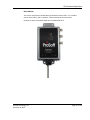
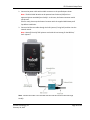
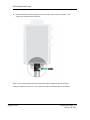
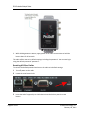
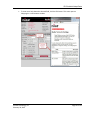
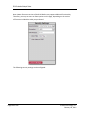
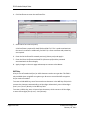
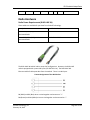
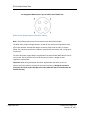
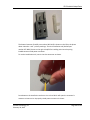
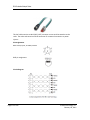
3. While holding down the button, apply power to the radio and continue to hold the
button down for 30 seconds.
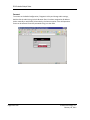
The radio will be reset to its default settings including the password. You can now log in
using the default password “password”.
Resetting All Other Radios
To retrieve the default password and return the radio to its default settings:
1
2
Turn off power to the radio.
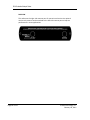
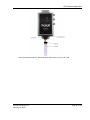
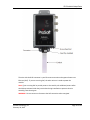
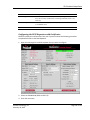
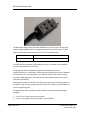
Locate the reset button hole.
3
Insert the end of a paperclip or similar device into the hole to press the reset
button.
Page 64 of 212
ProSoft Technology, Inc.
February 20, 2015