1
compress
The OS-9 Utilities
compress
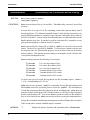
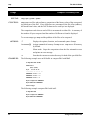
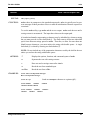
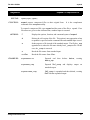
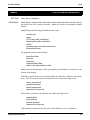
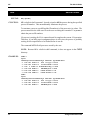
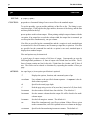
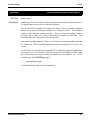
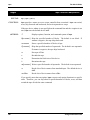
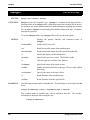
SYNTAX:
FUNCTION:
Compress ASCII Files
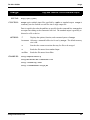
compress [<opts>] {<path>}
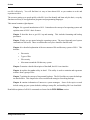
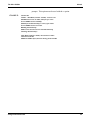
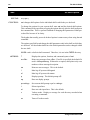
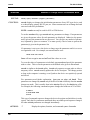
compress reads the specified text file(s), converts it to compressed form, and writes
the compressed text file to standard output or to an optional output file.
To use compress, type compress and the path of the text file to compress. If no files
are given, standard input is used.
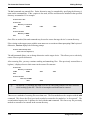
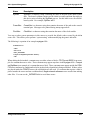
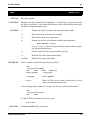
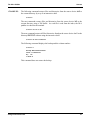
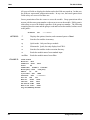
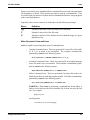
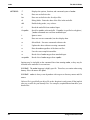
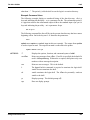
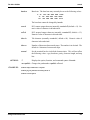
compress replaces multiple occurrences of a character with a three character coded sequence:
aaaaabbbbbcccccccccc
would be replaced with ~Ea~Eb~Jc.
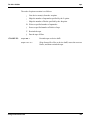
Each compressed input file name is appended with _comp. If a file with this name already exists, the old file is overwritten with the new file. Typical files compress about
30% smaller than the original file.
compress reduces the size of a file to save disk space. See the expand utility for details on how to expand a compressed file.
WARNING: Only use compress and expand on text files.
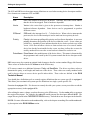
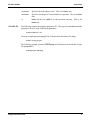
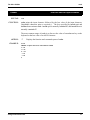
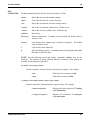
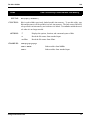
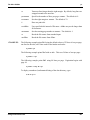
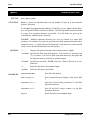
OPTIONS:
EXAMPLES:
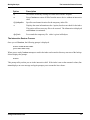
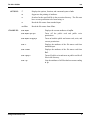
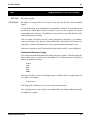
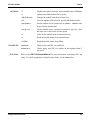
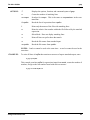
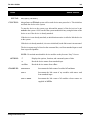
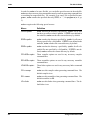
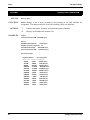
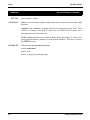
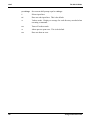
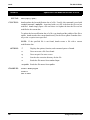
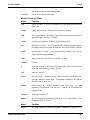
-?
Displays the options, function, and command syntax of compress.
-d
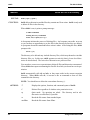
Deletes the original file. This is inappropriate when no pathlist is specified on the command line and standard input is used.
-n
Creates an output file.
-z
Reads file names from standard input.
-z=<file>
Reads file names from <file>.
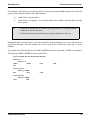
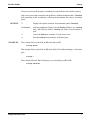
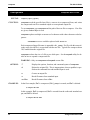
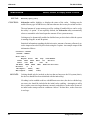
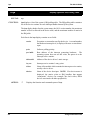
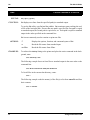
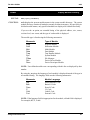
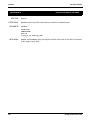
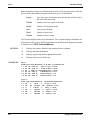
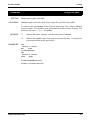
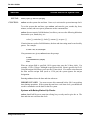
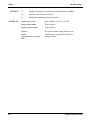
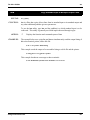
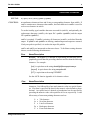
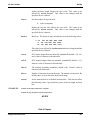
In the first example, file1 is compressed, file1_comp is created, and file1 is deleted.
$ compress file1 -dn
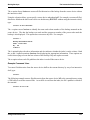
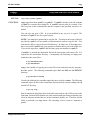
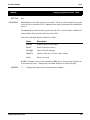
In this example, file2 is compressed, file3 is created from the redirected standard output, and file2 is deleted.
$ compress file2 -d >file3
18
Using Professional OS-9