1
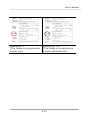
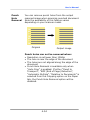
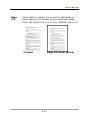
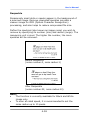
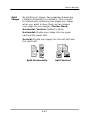
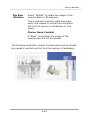
User’s Manual Punch Hole Removal You can remove punch holes from the output scanned image when scanning punched document. Note the availability of this feature varies depending on your scanner model. Original Output image Punch holes can not be removed when: Resolution is set lower than 150dpi The hole is near the edge of the document The holes are not aligned along the edge of the document Punch Hole Removal is available only when “Auto Crop” is enabled. If either “Fixed to Transport”, “EOP (End of Page) Detection”, “Automatic Multiple”, “Relative to Documents” is selected from the Cropping option on the Paper tab, the Punch Hole Removal option will be disabled. 4-54