1
7
TASKLINK: UNISYSTEM MENUS
Setup Menu
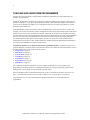
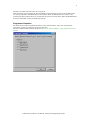
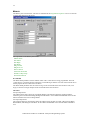
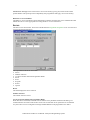
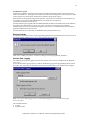
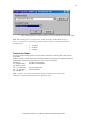
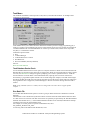
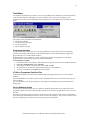
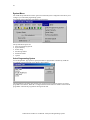
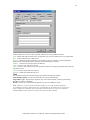
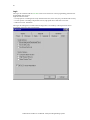
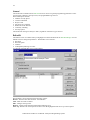
The TaskLink Setup Menu is shown below. This menu is used to select device and programmer parameters,
to enable TaskLink's data logging features, and to exit from the TaskLink program.
The options on the Setup Menu include:
• Select Device
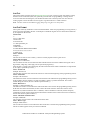
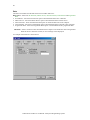
• Programmer Properties
• Restore Defaults
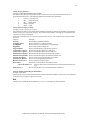
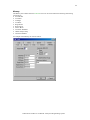
• Session Data Logging
• Exit
Select Device
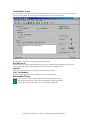
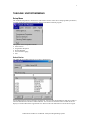
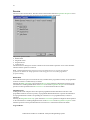
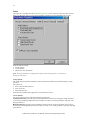
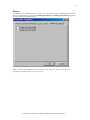
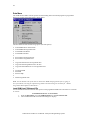
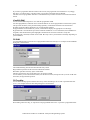
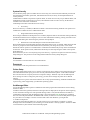
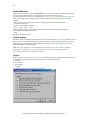
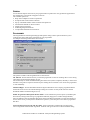
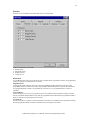
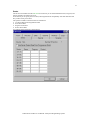
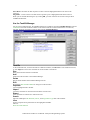
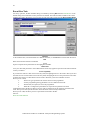
The TaskLink for UniSite Select Device screen is shown below.
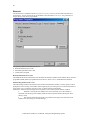
Use the Select Device screen to specify a target device. You can enter the manufacturer and device name or
select the manufacturer and device name from lists. You can also use the filter feature to limit the device
display to a small subset of the supported devices. Then use the clear filter button to see all devices again.
TaskLink for Windows User Manual: UniSystem Programming System