1
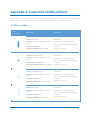
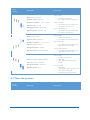
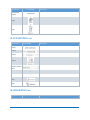
Group Name
Icon/Widget
Description
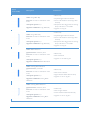
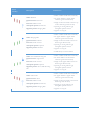
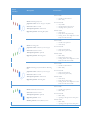
Interval
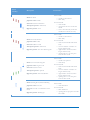
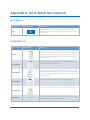
Opens a window in which custom time interval can be selected or
created.
Interval
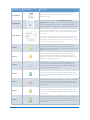
Displays the list of custom time intervals (i.e. those created by the
user) and enables to change current time interval for an active
symbol. If the base (minimum) interval of a specific symbol is
higher than one selected error message is displayed explaining that
the operation cannot be performed.
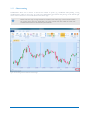
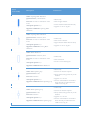
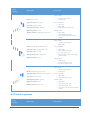
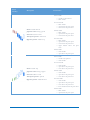
Displays the chart window as a candlestick chart.
Chart
Displays the chart window as a bar chart.
Chart
Displays the chart window as a line chart.
Chart
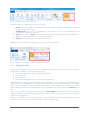
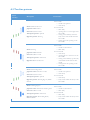
B.3 DATA tab
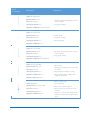
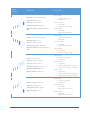
Group Name
Icon/Widget
Description
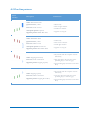
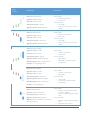
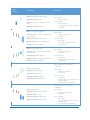
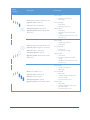
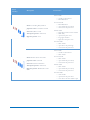
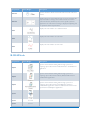
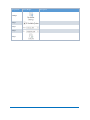
Opens a wizard window which guides though a process of
importing quotes data written in ASCII format to CandleScanner
application.
Import
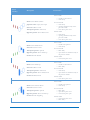
Opens a wizard window which guides though a process of
importing quotes data written in binary MetaStock® format to
CandleScanner application.
Import
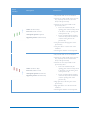
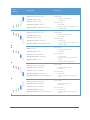
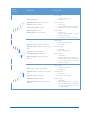
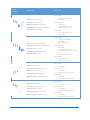
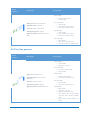
Opens a wizard window which guides though a process of
importing quotes data written in CandleScanner format to
CandleScanner application. Data in CandleScanner format can be
exported from CandleQuote application.
Import
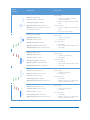
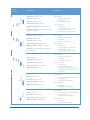
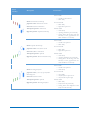
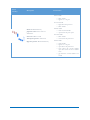
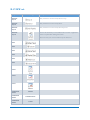
Export
Export
To excel
Export
To text
CANDLESCANNER USER GUIDE
85