1
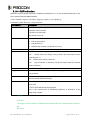
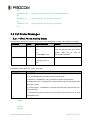
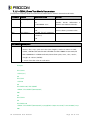
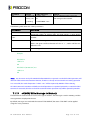
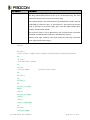
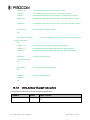
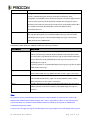
<text>
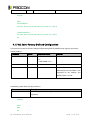
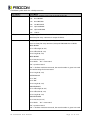
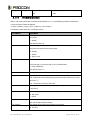
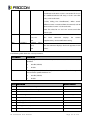
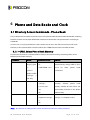
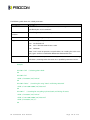
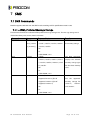
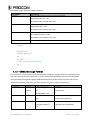
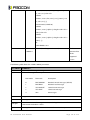
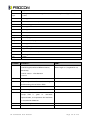
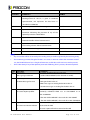
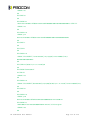
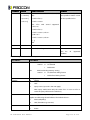
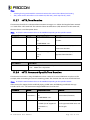
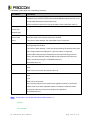
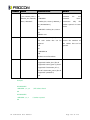
Text identifier for a phone book entry, according to the character set as specified by
command +CSCS.
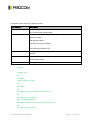
<nlength>
The maximum number of digits in the <number>.
<tlength>
The maximum number of characters in the <text> entry
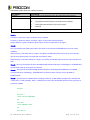
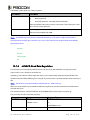
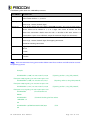
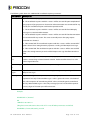
Note:
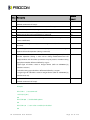
The MC and RC have the same memory storage area; therefore there are only 10 entries in total.
Some of the entries are listed if the MC phone book is selected, and others are listed if the RC phone book is
selected. The phone book selection is done using the AT+CPBS command.
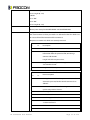
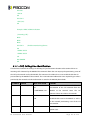
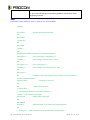
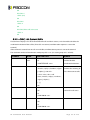
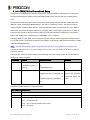
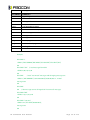
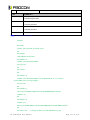
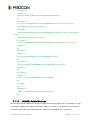
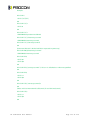
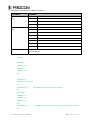
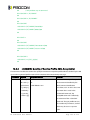
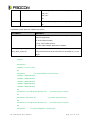
Example:
AT+CPBS="SM"
OK
AT+CPBR=?
+CPBR: (1-250),20,14
OK
At+CPBR=1
OK
AT+CPBR=1,3
//There is nothing written in entry 1,2,3
OK
AT+CPBR=4
+CPBR: 4,"18888888",129,"Tom"
OK
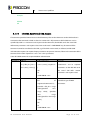
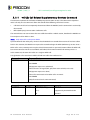
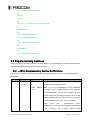
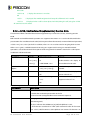
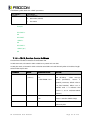
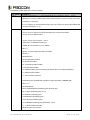
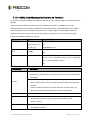
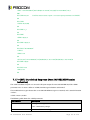
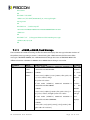
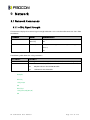
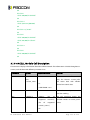
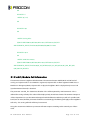
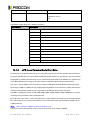
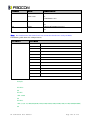
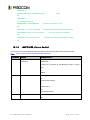
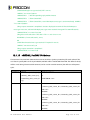
6.1.3 +CPBF, Find Phone Book Entries
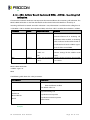
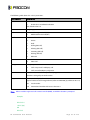
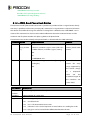
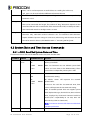
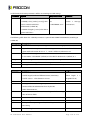
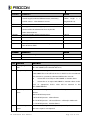
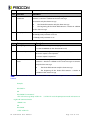
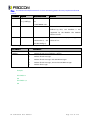
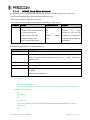
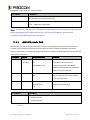
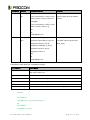
This execution command enables the user to search for a particular entry, by name, in the currently active
phone book. If no matching entry is found, the command returns OK. If multiple matches are found, all are
returned.
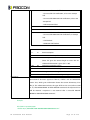
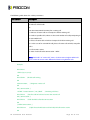
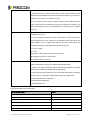
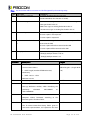
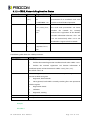
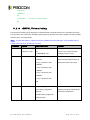
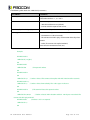
Command
Syntax
Response/Action
Set
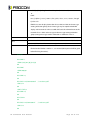
+CPBF=<findtext
[+CPBF: <index1>,<number>,<type>,<text>[[...]
>
<CR><LF>
+CBPF: <index2>,<number>,<type>,<text>]]
OK
or:
+CME ERROR: <err>
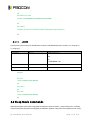
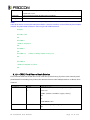
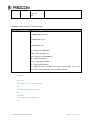
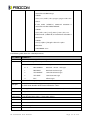
Test
AT+CPBF=?
+CPBF: [<nlength>][,<tlength>]
OK
AT C o m m a n d s U s e r M a n u a l
Page 73 of 215