1
●
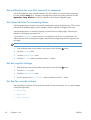
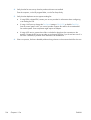
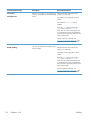
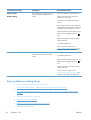
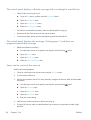
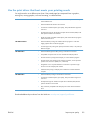
Check the toner cartridges and replace if necessary.
●
Ask the sender to darken the contrast setting on the sending fax machine, and then resend the fax.
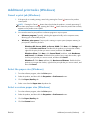
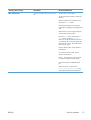
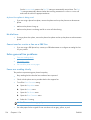
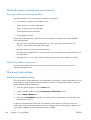
Fax cuts off or prints on two pages
●
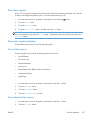
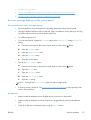
Set the Default Paper Size setting. Faxes print on a single size of paper based on the Default
Paper Size settings.
a.
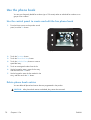
Open the Setup Menu menu.
b.
Open the System Setup menu.
c.
Open the Paper Setup menu.
d.
Open the Default Paper Size menu.
e.
Select the correct setting.
●
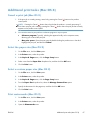
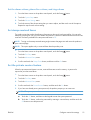
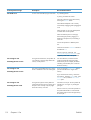
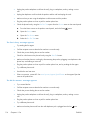
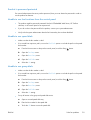
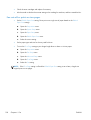
Set the paper type and size for the tray used for faxes.
●
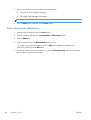
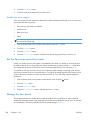
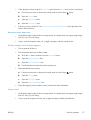
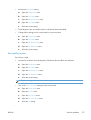
Turn on the Fit to Page setting to print longer length faxes on letter or A4 size paper.
a.
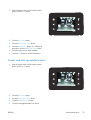
Open the Setup Menu menu.
b.
Open the Fax Setup menu.
c.
Open the Advanced Setup menu.
d.
Open the Fit to Page menu.
e.
Select the On setting.
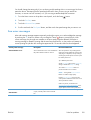
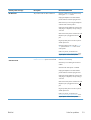
NOTE: If the Fit to Page setting is off and the Default Paper Size setting is set to letter, a legal size
original prints on two pages.
128
Chapter 6 Fax
ENWW