1
Configuring the Operating System
6.3 Changing settings for Operation
6.3.2
Setting the carachter repetition of the keyboard
Introduction
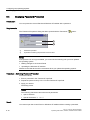
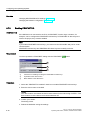
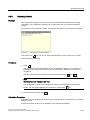
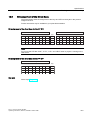
You can set the character repeat for the keyboard or screen keyboard in the Control Panel.
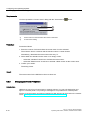
Requirement
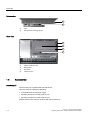
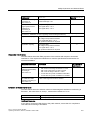
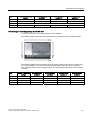
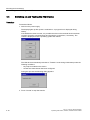
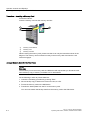
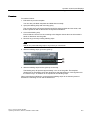
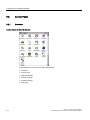
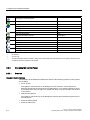
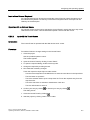
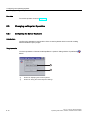
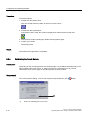
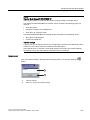
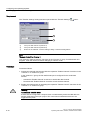
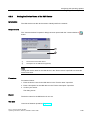
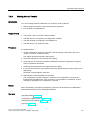
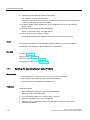
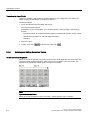
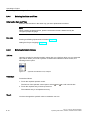
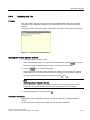
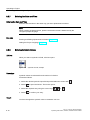
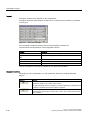
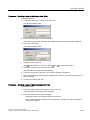
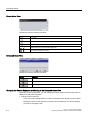
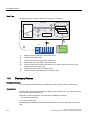
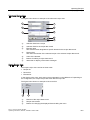
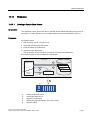
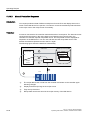
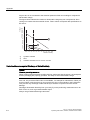
You have opened the "Keyboard Properties" dialog by clicking "Keyboard "
.
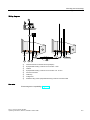
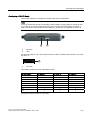
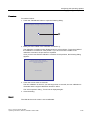
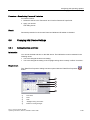
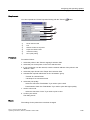
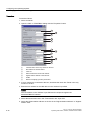
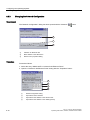
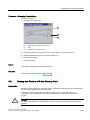
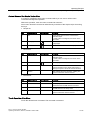
①
Check box for activating the character repeat
②
Slider control and buttons for the delay time before character repeat
③
Slider control and buttons for the rate of the character repeat
④
Test field
Procedure
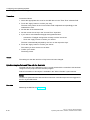
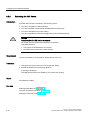
Proceed as follows:
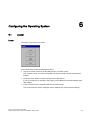
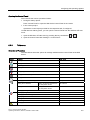
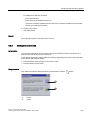
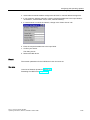
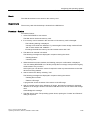
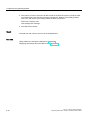
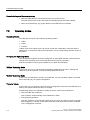
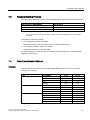
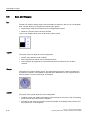
1. Activate the "Enable character repeat" check box to enable the character repeat.
2. Use the buttons to set the delay and rate of the character repeat. You can also use the
slider control for this.
3. Verify your settings.
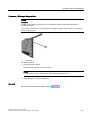
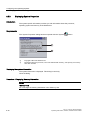
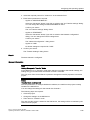
For HMI devices with touch screen operation.
– Touch the test field. The screen keyboard opens.
– Move the screen keyboard as needed.
– Touch any character and keep it pressed.
– Check the character repetition and the rate of the character repetition in the test field.
– Correct your setting if necessary.
6-14
TP 277, OP 277 (WinCC flexible)
Operating Instructions, 09/2007, 6AV6691-1DH01-0AB0