1
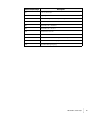
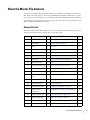
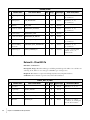
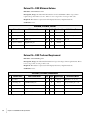
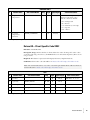
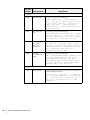
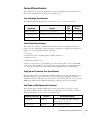
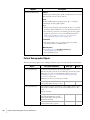
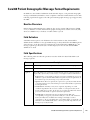
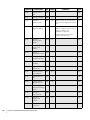
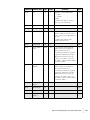
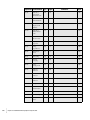
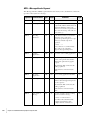
TEMPERATURES
#
6
7
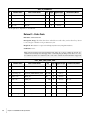
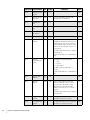
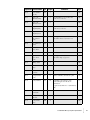
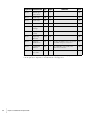
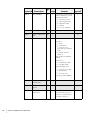
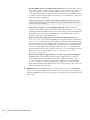
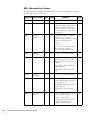
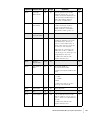
Column Name
Acceptable
Temperatures
Acceptable
Temperatures
Comments
CDC Column Name
Key Req’da Type(Length)
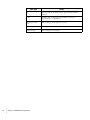
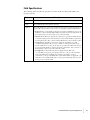
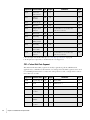
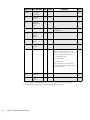
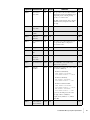
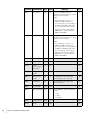
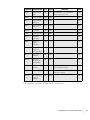
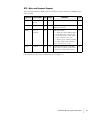
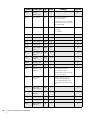
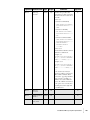
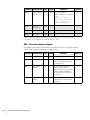
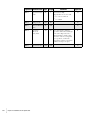
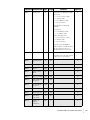
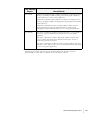
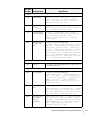
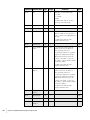
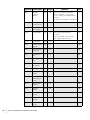
ATEMP
O
ATEMP_COMMENTS
O
char(5)
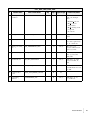
Valid Values/Notes
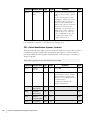
This field can hold up to 5 singlecharacter temperature codes.
Current codes in use include:
●
‘R’ = Refrigerated
●
‘F’ = Frozen
●
‘A’ = Ambient (room temp)
●
‘S’ = Special
●
‘W’ = Wet ice
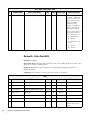
char(30)
a. R = Required, O = Optional, C = Conditional.
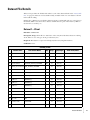
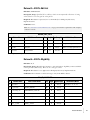
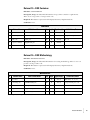
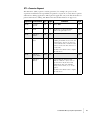
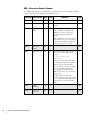
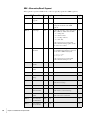
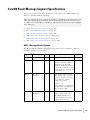
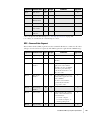
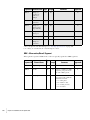
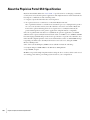
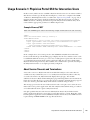
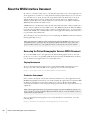
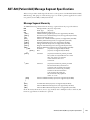
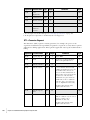
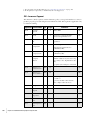
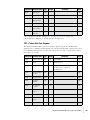
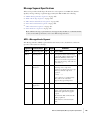
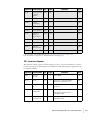
Dataset 29—Client-Specific Code XREF
File Name: CUSTOMC.TXT
Description/Usage: Defines the list of clients allowed to order client-specific order codes
created for ordering convenience. (In TOPLab these are called custom panels.) There is one
row per client.
Required? This dataset is optional for third-party laboratory implementations.
Conditions: Client order codes should be in “Dataset 22—Client-Specific Order Code”.
Note: The clients indicated for each order code in this optional file will be added to the list of
clients indicated in “Dataset 22—Client-Specific Order Code”.
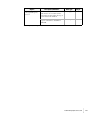
N/A
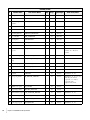
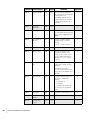
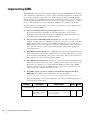
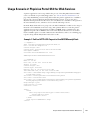
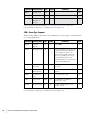
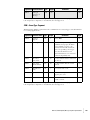
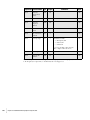
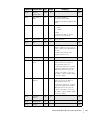
#
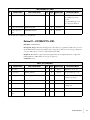
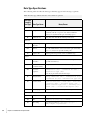
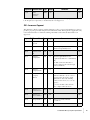
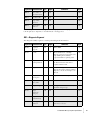
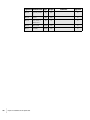
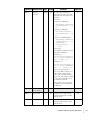
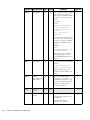
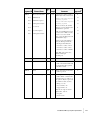
Column Name
CDC Column Name
1
Operation
2
Legal entity
LEGAL_ENTITY
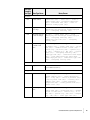
3
Key
Req’da Type(Length)
R
char(1)
PK1 PK2
R
char(4)
Performing site
TOPLAB_PERFORMING_SITE PK1 PK2
R
char(3)
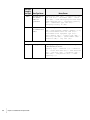
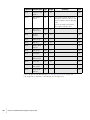
4
Client order code
SCAN_ID
R
char(16)
5
Billing client number NBS_CLIENT_NO
R
char(15)
PK1
Valid Values/Notes
Valid values: ‘A’, ‘C’, ‘D’.
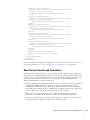
a. R = Required, O = Optional, C = Conditional.
Dataset File Details
•
•
•
•
•
•
45