1
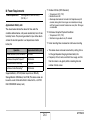
■ Recording Audio for a Snapshot
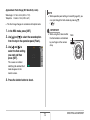
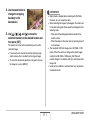
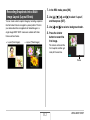
Playing Back Snapshot Audio
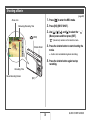
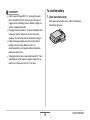
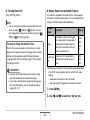
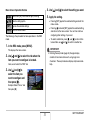
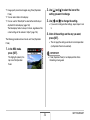
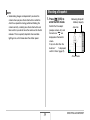
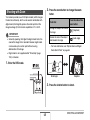
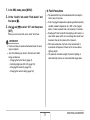
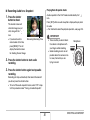
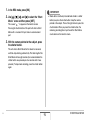
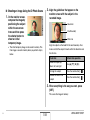
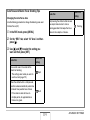
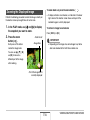
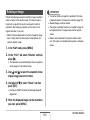
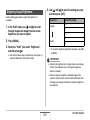
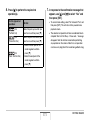
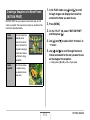
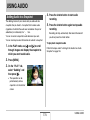
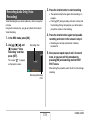
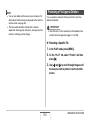
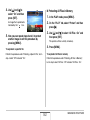
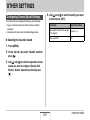
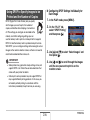
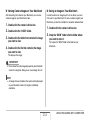
1. Press the shutter
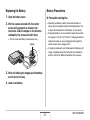
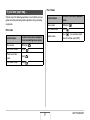
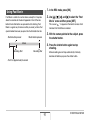
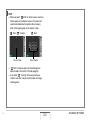
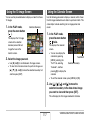
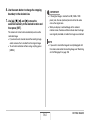
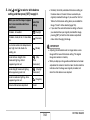
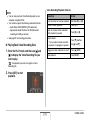
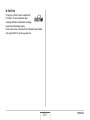
Audio snapshots in the PLAY mode are indicated by the “
”
icon.
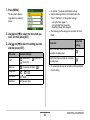
Press [SET] while an audio snapshot is displayed to play back
its audio.
• For information about the playback operation, see page 145.
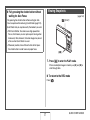
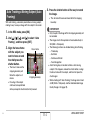
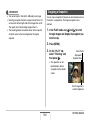
button to shoot.
This monitor screen will
show the image you just
shot, along with the “
”
icon.
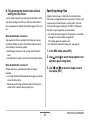
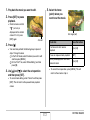
• If you do not want to
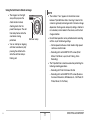
Remaining Recording Time
record audio at this time,
press [MENU]. This will
display the monitor screen
for shooting the next image.
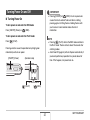
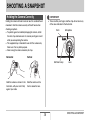
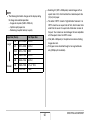
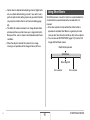
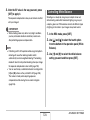
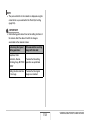
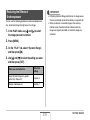
IMPORTANT!
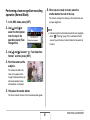
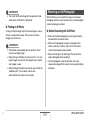
• Take care that you do not block
the camera’s microphone with
your fingers while recording.
• Good recording results are not
possible when the camera is too
far away from what you are
trying to record.
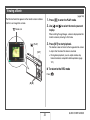
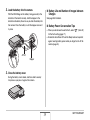
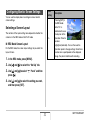
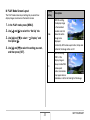
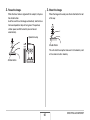
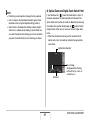
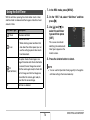
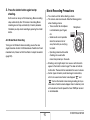
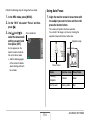
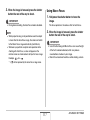
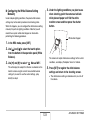
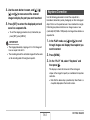
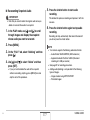
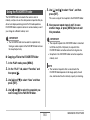
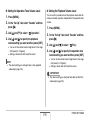
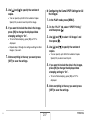
2. Press the shutter button to start audio
recording.
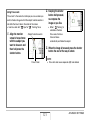
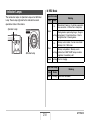
Microphone
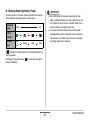
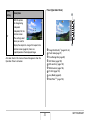
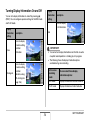
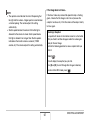
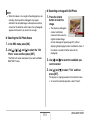
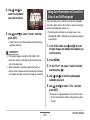
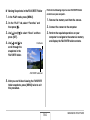
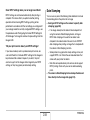
3. Press the shutter button again to stop audio
recording.
Recording will stop automatically after about 30 seconds if
you do not press the shutter button.
• To turn off the audio snapshot feature, select “Off” in step
3 of the procedure under “Turning on Audio Snapshot”.
81
SHOOTING A SNAPSHOT