1
S Health
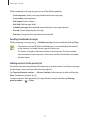
Tap and use the following functions:
r Daily calorie goal: Change your daily calorie intake goal.
r My Food: Enter the frequently-eaten foods.
r Reset daily data: Reset the daily calorie intake data.
r Share via: Send the current page to others.
r Settings: Configure settings for S Health.
r Help: Access help information about using S Health.
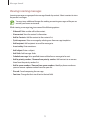
Use the calorie information in Food for personal reference only. The provided data is
subject to change and some food information may differ from actual calorie levels.
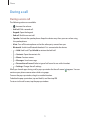
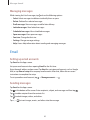
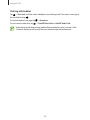
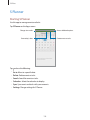
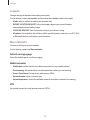
Viewing calorie intake in a graph
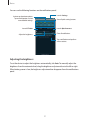
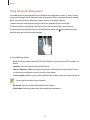
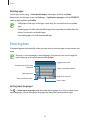
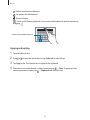
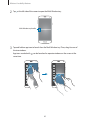
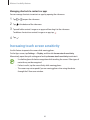
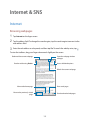
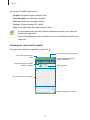
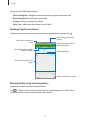
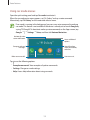
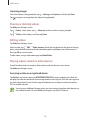
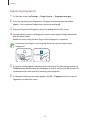
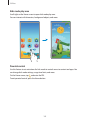
Compare your calorie intake records for a period by viewing them in a graph. Tap
Access the S Health menu
screen.
.
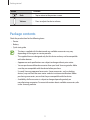
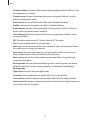
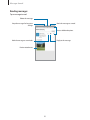
View the logs of your daily
calorie intake.
View hourly, daily or monthly
records in a graph.
Total calorie intake
View your calorie intake in a
graph.
Return to the previous screen.
119