1
INPUTS
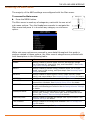
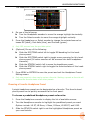
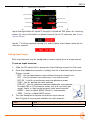
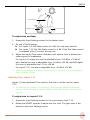
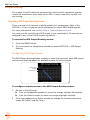
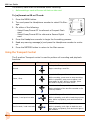
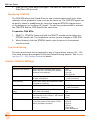
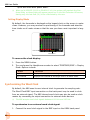
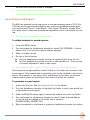
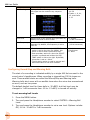
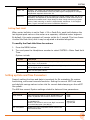
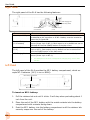
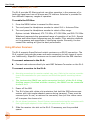
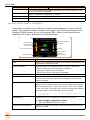
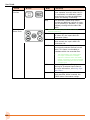
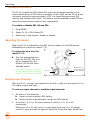
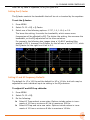
To route inputs 7-12 to L and R tracks:
1. Access the Input Settings screen.
2. Slide the RTN/FAV switch right to toggle track R routing, or left to toggle
track L routing.
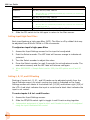
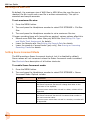
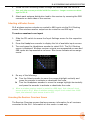
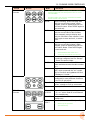
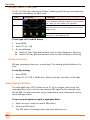
To route any input to X1 and X2 tracks:
1. Access the Input Settings screen.
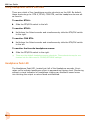
2. Slide the MIC/TONE switch right to toggle X2 routing, or left to toggle X1
routing.
LL An additional routing (“PRE”) is available for X1 and X2 routes. This indicates a
pre-fader routing.
Using a Track Name Shortcut
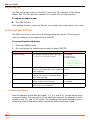
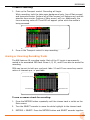
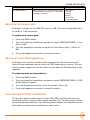
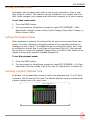
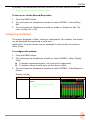
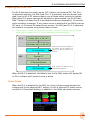
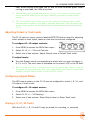
An input’s track name can be quickly edited from the input settings screen.
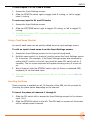
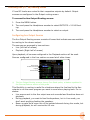
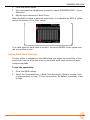
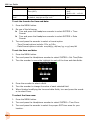
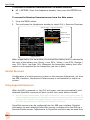
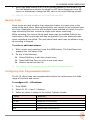
To edit an input’s track name from the Input Settings screen:
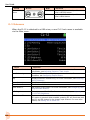
1. Access the Input Settings screen for the input to be adjusted.
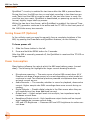
2. Hold the same switch (or shortcut) used to access the Input Settings screen
for 2 seconds. (For example, if the Input Settings screen was accessed by
sliding the PFL switch to the left, then hold the same PFL switch left for 2
seconds). The on-screen keyboard will appear allowing entry of a text value.
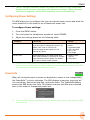
3. When finished, slide the RTN/FAV switch right (or Enter on attached USB
keyboard) to set the track name.
LL Track names can also be edited from the Take List. For details, refer to Take List
Overview.
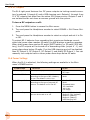
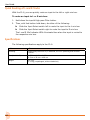
Inverting the Phase
Phase inversion is available on all 12 channels of the 688, but the process for
inverting the phase varies depending on the channel.
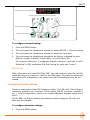
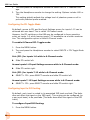
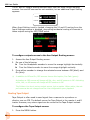
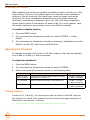
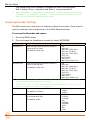
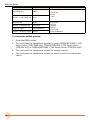
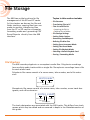
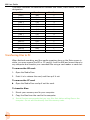
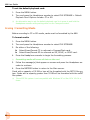
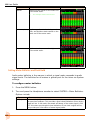
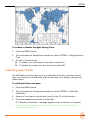
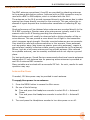
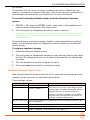
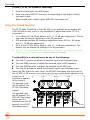
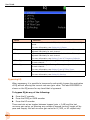
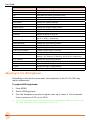
To invert the phase of channels 1 through 6:
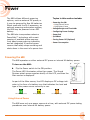
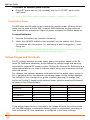
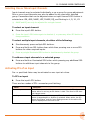
1. Slide the PFL switch left to access the Input Settings screen for the chosen
input (1-6).
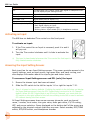
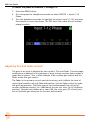
2. Slide the RTN/FAV switch to the left. The INV label on screen will illuminate
red to indicate phase inversion.
33