1
Usage Precautions
Please read the following usage precautions before using your TViX HD.
Make sure the power is off when you connect the A/V cable between the TViX and the TV.
When cleaning the TViX product, pull out the power cord and then wipe it with a soft piece of dry cloth.
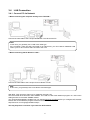
When connected to the computer through the USB cable the TViX HD acts as an external USB storage
device (In this state, there is no video/audio output and the VFD will show as USB ON). For normal TViX play
mode, disconnect the USB cable connected to the computer and turn on the TViX HD.
When the TViX HD is playing and the USB is connected to the computer, a USB ON icon will be displayed
on the center of the screen. Disconnecting the USB port will show the original screen.
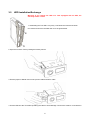
When detaching the HDD, please let the heat out sufficiently.
The supplied cables and accessories are recommended for customized best performance of the TViX HD.
Using other cables or accessories may not provide best performance.
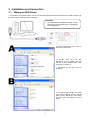
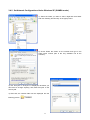
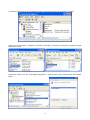
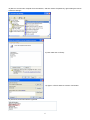
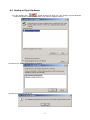
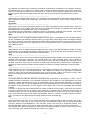
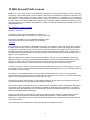
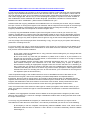
If you want to unplug the device, press the Stop button in 'Unplug or Eject Hardware'.
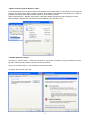
Windows 98SE and Windows ME does not support NTFS file format. However, NTFS file format is
available on Windows 2000/XP. “Primary Partition” is recommended when creating two or more partitions
with a single hard disk drive.
If you choose FAT32 file format on Windows 2000/XP, the drives maximum size will be limited to 32GBs.
If you want to use a single drive letter of 32GBs or more, you have to format on Windows 98SE/ME.
The certification sticker mark is on the bottom of the device.
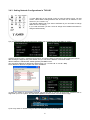
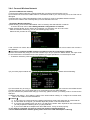
You can insert the character using remote-numeric key. Number 1 key is changed as @Æ : Æ / Æ _ Æ when this key is pressed.
** Some functions will require you to update the latest firmware in first.
3