1
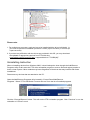
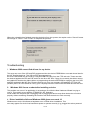
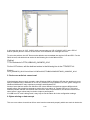
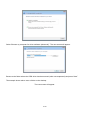
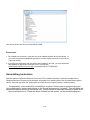
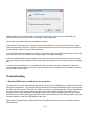
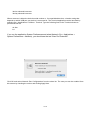
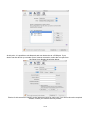
This screen shows the device connected to COM3.
Please note:
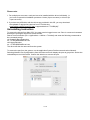
1. For multiple-port converter, each port has to be installed with the driver individually, i.e.
you have to repeat this installation procedure 2 times (2-port converter) or 4 times (for
4-port converter).
2. If you have any difficulties with the drivers we provided in this CD, you may download
the updated or appropriate versions from FTDI Web site
www.ftdichip.com/Drivers/VCP.htm, supported device “FT232BL(M)”.
Uninstalling Instruction
With the release of Microsoft Windows Vista, the FTDI uninstaller has been rendered unusable due to
Windows Resource Protection preventing the executable from deleting driver files and associated registry
values. Vista will only allow the system itself to modify files and registry values in these locations.
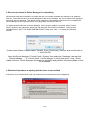
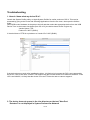
Consequently, a new method for uninstalling is required. Devices can be removed using the
Device Manager by simply right clicking on the mouse and selecting "Uninstall". This will delete the
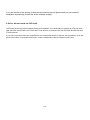
associated registry entries for that device only. Vista provides an automatic method to delete driver
files via a check box to "Delete the driver software for this device" on the uninstall dialog box.
30-40