
1
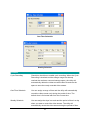
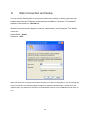
PPPoE Settings
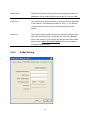
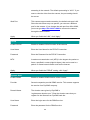
Enable/Disable
If enable the PPPoE function, IP Camera will use PPPoE for
network connection first. The default value is “Disable”.
Username
Enter the Username of PPPoE connection.
Password
Enter the Password of PPPoE connection
6.2.4.
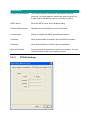
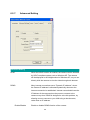
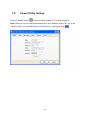
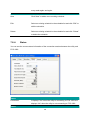
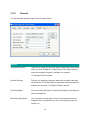
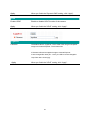
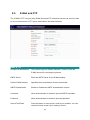
FTP Settings
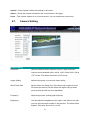
FTP Settings
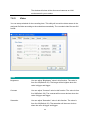
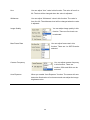
FTP Server
This camera supports “Motion Detection” functions. When Motion
Detection event occurred, you can record the pictures to FTP
server. Enter the FTP address for receiving the pictures.
17





















![Internet Camera - [ [ [ ANSEL ] ] ]](http://vs1.manualzilla.com/store/data/005837536_1-ce302c6b28431aa03d9b92e65549b72a-150x150.png)