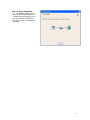
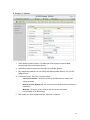
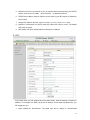
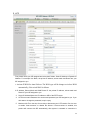
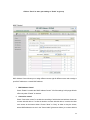
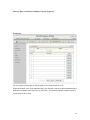
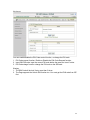
Step 13. Setup Completed.
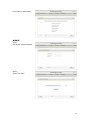
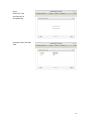
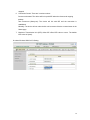
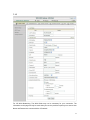
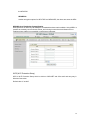
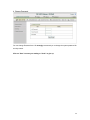
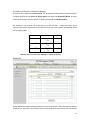
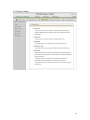
13.1. The EzSetup is finish; you can
open the default web browser to
configure advanced settings of the
802.11n Wireless HSPA Router.
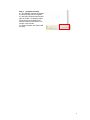
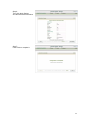
13.2. Click “Finish” to complete the
installation.
17