1
s0004_e_Advanced.book Page 82 Tuesday, September 27, 2005
4:15 PM
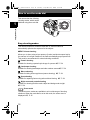
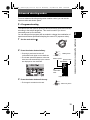
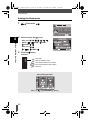
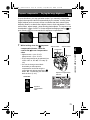
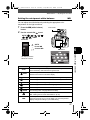
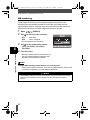
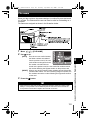
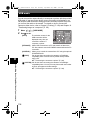
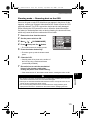
ISO — Setting the desired sensitivity to light
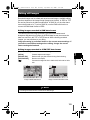
The higher the ISO value, the greater the camera’s light sensitivity and the
better its ability to shoot in low light conditions. However, higher values may
give pictures a grainy appearance.
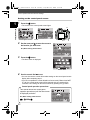
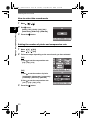
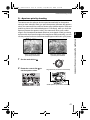
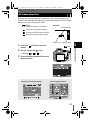
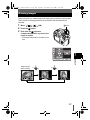
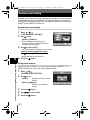
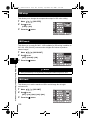
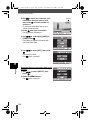
1
2
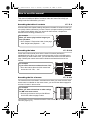
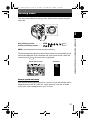
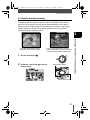
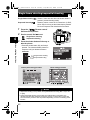
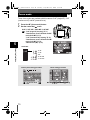
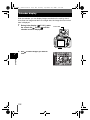
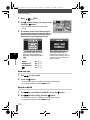
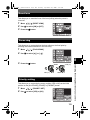
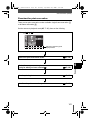
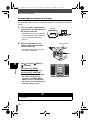
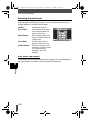
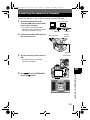
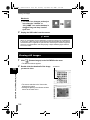
Press the ISO button.
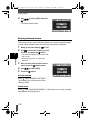
Use the control dial
ISO value.
Control dial
to set the
6
ISO button
Exposure, image and color
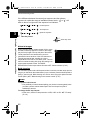
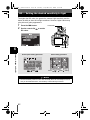
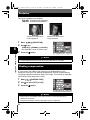
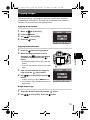
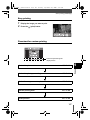
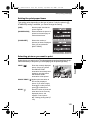
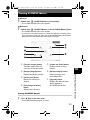
Control panel setting procedure
i
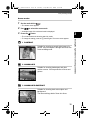
ISO
i
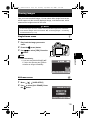
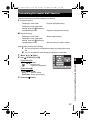
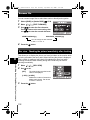
Menu setting procedure
Menu
[
]
[ISO]
Setting
Notes
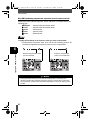
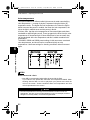
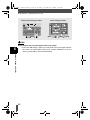
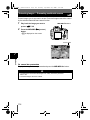
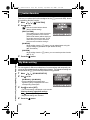
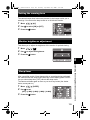
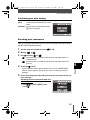
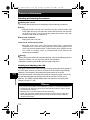
• The ISO sensitivity when it is set to auto is usually ISO 100. If the subject is too far
away for the flash illumination, the sensitivity is automatically increased.
82