1
TAP-R2 USER’S GUIDE
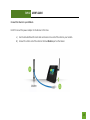
Power On the Router
a.
b.
c.
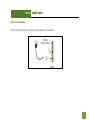
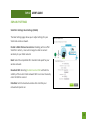
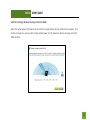
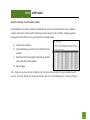
Attach the included antenna.
Attach the Power Adapter to the Router’s PWR Port and plug it into an available power outlet.
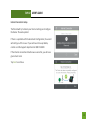
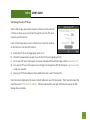
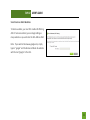
The Amped Wireless logo will appear as the unit boots up, then the Dashboard screen will appear.
10