1
FXS Gateway Overview
Chapter 12
Support Configuration Screen
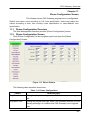
This Chapter provides some extra functions that might be needed by users.
12.1
Support Configuration Overview
The web configuration provides Support Configuration screen.
12.2
Support Configuration Screen
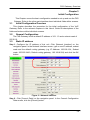
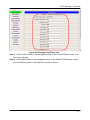
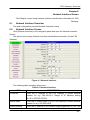
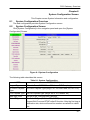
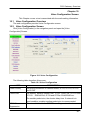
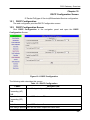
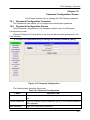
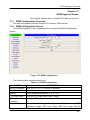
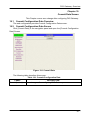
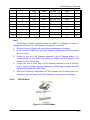
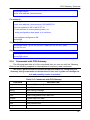
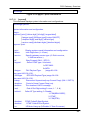
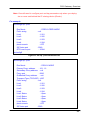
Click [Support configuration] in the navigation panel and open the [Support
Configuration] Screen.
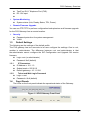
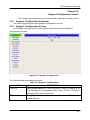
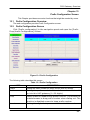
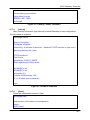
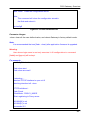
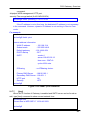
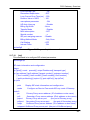
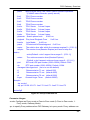
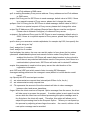
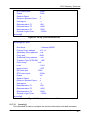
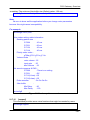
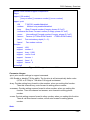
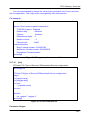
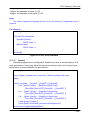
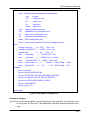
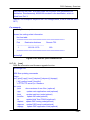
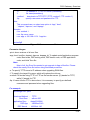
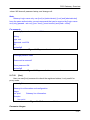
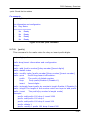
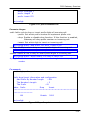
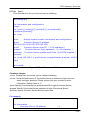
Figure 12-1 Support Configuration
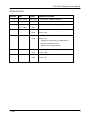
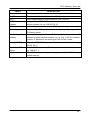
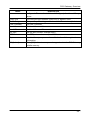
The following table describes this screen.
Table 12-1 Support Configuration
LABEL
DESCRIPTION
T.38 FAX
Select enable/disable for T.38 FAX function. When T.38 ability is on,
FXS Gateway will automatically defer codec (G.723 or G.729a) to
T.38 when FAX signal is detected.
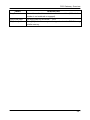
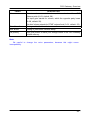
OK [button]
Click [OK] button to save your changes back to the FXS Gateway
volatile memory.
- 45 -