1
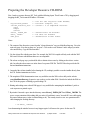
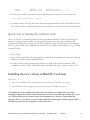
make clean
<-- this ends with an error message, see Note 1 below.
make menuconfig <-- save and exit without making any changes, Note 2.
make
<-- Compilation seems to last forever.
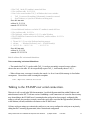
Note 1. The initial "make clean" ends with an error message:
make[1]: Entering directory `/home/uclinux/uClinux-dist/vendors/AnalogDevices/BF533-STAMP'
Makefile:4: /home/uclinux/uClinux-dist/linux-2.6.x/.config: No such file or directory
make[1]: *** No rule to make target `/home/uclinux/uClinux-dist/linux-2.6.x/.config'. Stop.
make[1]: Leaving directory `/home/uclinux/uClinux-dist/vendors/AnalogDevices/BF533-STAMP'
make: *** [clean] Error 2
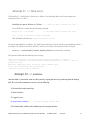
Note 2. I started menuconfig, and exited from the very 1st screen.
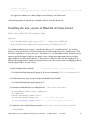
5. Find the compiled blackfin executable linux in the following location
$(WORK_DIR)/uClinux-dist/images
6. Above file shall be used to download to the target board.
What is next?
At this point the task of setting the networking and communication is finished (I hope). The next fun part is
about to start, that is setting up the configuration files for my new board BlackStamp, compiling both the uBoot
and the kernel for the BF532 processor, and flashing the board for the first time. Exciting topics, and quite
some opportunity for having more fun.
Note added Jul/01/06: The process of upgrading the toolchain has indeed provided an ample opportunity for
having more fun.
Forthcoming Survival Guides.
As I keep using coLinux for Blackfin development, I will either expand this Guide or write other Guides to help
navigate through the Linux Empire.
Getting Started with uCLinux/Blackfin Development Under Windows.
(c) Wojtek Skulski
3-Jul-2006
21