1
Modules
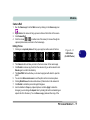
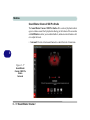
Sound Blaster Cinema 2 SBX Pro Studio
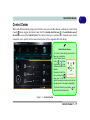
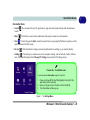
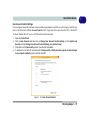
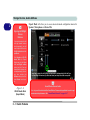
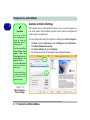
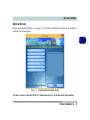
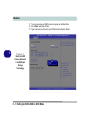
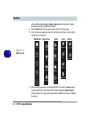
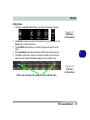
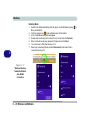
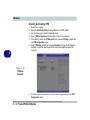
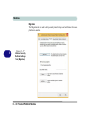
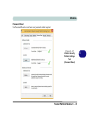
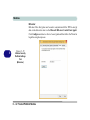
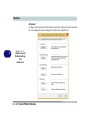
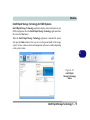
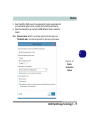
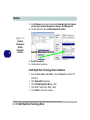
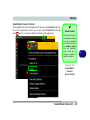
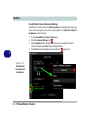
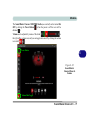
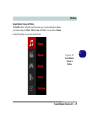
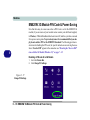
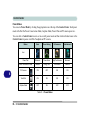
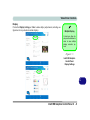
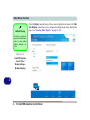
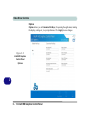
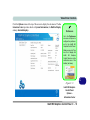
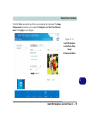
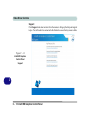
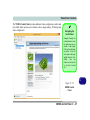
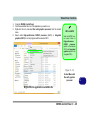
The Sound Blaster Cinema 2 SBX Pro Studio offers a suite of playback technologies to enhance sound. Each playback technology at the bottom of the screen has
an On/Off button to allow you to enable/disable it, and most controls feature a slider to adjust the levels.
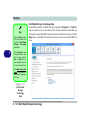
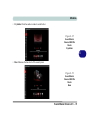
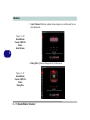
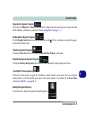
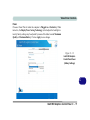
• Surround: Provides virtual sound channels to control the level of immersion.
Menu
6
Figure 6 - 57
Sound Blaster
Cinema 2 SBX Pro
Studio
Surround
6 - 72 Sound Blaster Cinema 2