1
Taking Pictures
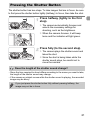
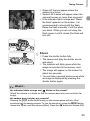
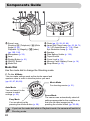
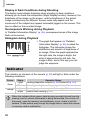
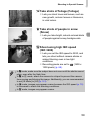
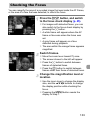
X Green AF frames appear where the
subject is in focus.
X Several AF frames will appear when the
camera focuses on more than one point.
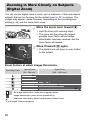
● If the indicator lights orange and “Raise
AF Frames
the flash” appears on the screen, it is
recommended to shoot with the flash.
Raise the flash manually, it will fire when
you shoot. When you are not using the
flash, lower it until it closes (the flash will
turn off).
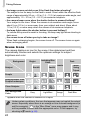
Shoot.
● Press the shutter button fully.
X The camera will play the shutter sound
and shoot.
X The indicator will blink green while the
image is recorded to the memory card.
X The image will appear on the screen for
about two seconds.
● You can take a second picture even while
an image is displayed by pressing the
shutter button again.
What if...
• the indicator blinks orange and
blinks on the screen?
Attach the camera to a tripod so that the camera does not move and blur the
image.
• the camera does not play any sounds?
Pressing the l button while turning on the camera power will turn off all
sounds except for warning sounds. To turn the sounds on, press the n button,
choose the 3 tab, and then choose [Mute]. Press the qr buttons to choose [Off].
23