1
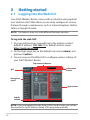
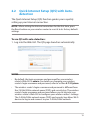
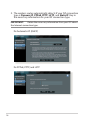
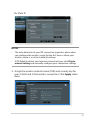
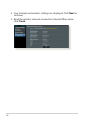
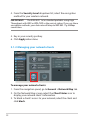
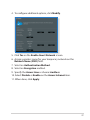
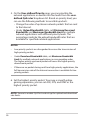
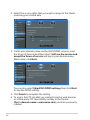
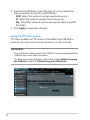
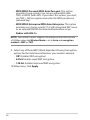
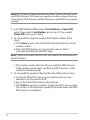
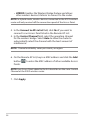
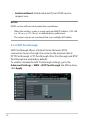
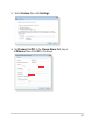
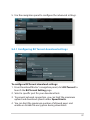
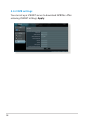
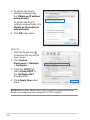
4. From the Security Level dropdown list, select the encryption
method for your wireless network.
IMPORTANT! The IEEE 802.11n/ac standard prohibits using High
Throughput with WEP or WPA-TKIP as the unicast cipher. If you use these
encryption methods, your data rate will drop to IEEE 802.11g 54Mbps
connection.
5. Key in your security passkey.
6. Click Apply when done.
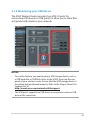
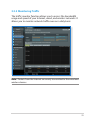
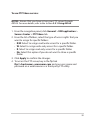
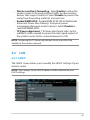
3.1.2Managing your network clients
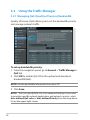
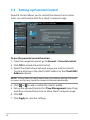
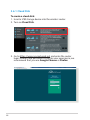
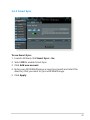
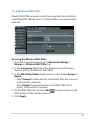
To manage your network clients:
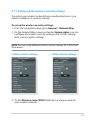
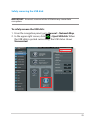
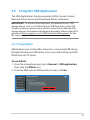
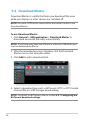
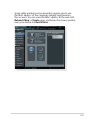
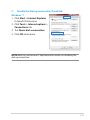
1. From the navigation panel, go to General > Network Map tab.
2. On the Network Map screen, select the Client Status icon to
display your network client’s information.
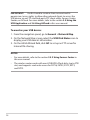
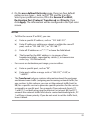
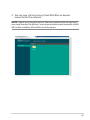
3. To block a client’s access to your network, select the client and
click block.
22