1
SETUP MENUS
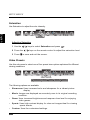
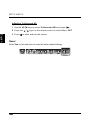
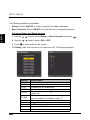
Adjusting Color Temperature
1 Use the
/
2 Press the
English
3 Press
keys to select Color temperature and press
/
.
keys on the remote control to select the desired option.
to save and exit the screen.
Hue
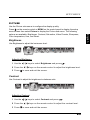
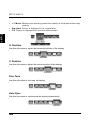
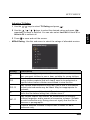
Use Hue to adjust the balance of the red, green, and blue colors in the display.
Hue
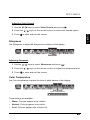
Adjusting Hue
1 Use the
/
2 Press the
3 Press
keys to select Hue and press
/
.
keys on the remote control to adjust the hue level.
to save and exit the screen.
Reset
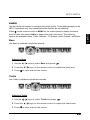
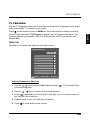
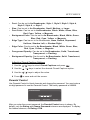
Select Yes on this sub-menu to reset all display-related settings.
Reset
NOTE:
The configuration settings for the Picture sub-menus will only be applied to the
current input source.
28