1
DMC-GF3C&GF3K&GF3PP-VQT3Q61_eng.book 34 ページ
2011年5月27日 金曜日 午前11時38分
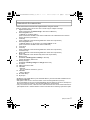
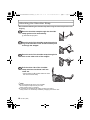
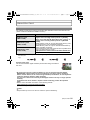
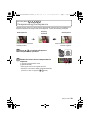
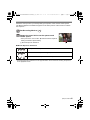
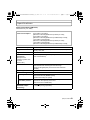
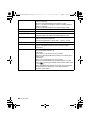
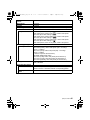
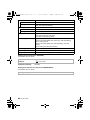
∫ Operations performed during Motion Picture Playback
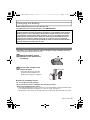
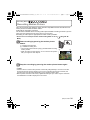
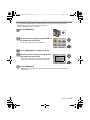
1 Display control panel by touching screen.
• If no operation is performed for 2 seconds, it will return to original status.
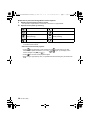
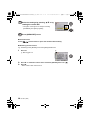
2 Operate control panel by touching.
¢
Play/Pause
Stop
Fast rewind
Fast forward
Frame-by-frame rewind
(while pausing)
Frame-by-frame forward
(while pausing)
Increase volume level
¢
Reduce volume level
¢ Not displayed when playing back motion pictures recorded with [MINIATURE EFFECT]
in Creative Control Mode.
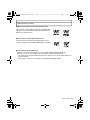
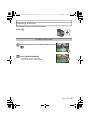
• About fast forward/rewind playback
– Touch [
] during playback to fast forward (touch [
forward/rewind speed increases if you touch [
]/[
screen changes from [5] to [
].)
] to fast rewind). The fast
] again. (The display on the
– Touch [
] to resume normal playback speed.
– When using a high capacity card, it is possible that fast rewinding may be slower than
usual.
34
VQT3Q61 (ENG)