1
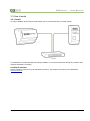
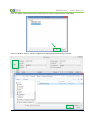
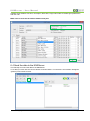
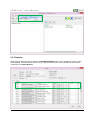
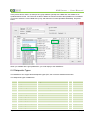
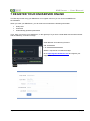
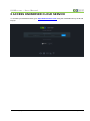
KNXServer – User Manual 7 REGISTER YOUR KNXSERVER ONLINE The last step to start using your KNXServer is to register online so you can access all KNXServer functionalities. When you order your KNXServer, you will receive an email with the following information: Entity code Username Automatically generated passsword Then, when you receive your KNXServer, on the right top of it you have a small label with the serial number and the label key, as shown in image. Serial Number and Label Key format is: S N: 23XXXXXX L K: XXXXXXXXXXXXXXXX Where X represents a hexadecimal digit. Go to http://register.knxserver.com and register your equipment. Page 26 of 28 User Manual KNXServerUM_EN_06