1
setup screen
Audio setup
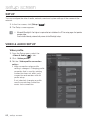
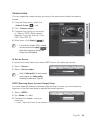
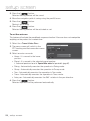
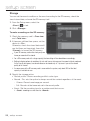
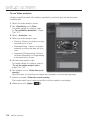
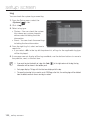
You can configure the I/O settings of the audio source from the camera.
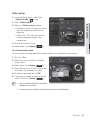
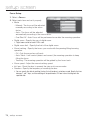
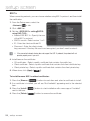
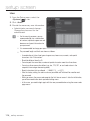
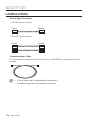
1. From the Setup menu, select the
)> tab.
<Video & Audio (
2. Click <Audio setup>.
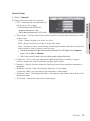
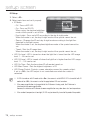
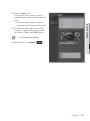
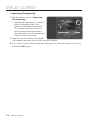
3. Set the audio input value.
• Source : Sets the audio input.
- Line : Connect the cable to the
audio device.
- External microphone : 3.5 pi(¢) jack
type external MIC.
• Apply power to Ext. Mic. : If the external microphone connected has no separate
power supply, check this option to set camera to supply power to the connected
external microphone. The option is enabled if <External microphone> is
selected.
• Codec : Specify the audio codec.
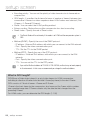
- G.711 : A audio codec standard, it uses 64 Kbps PCM (Pulse Code Modulation)
encoding.
ITU standard audio codec that is adequate for digital voice transfer in PSTN
network or through a PBX.
- G.726 : ITU standard audio codec applying ADPCM (Adaptive Differential Pulse
Code Modulation) for variable bit rates of 40/32/24/16 Kbps to 64 Kbps PCM
encoding.
• Bitrate : Set the bit rate to differentiate compression ratio if using G.726 codec.
• Gain : Specify the audio input amplification.
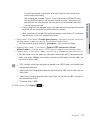
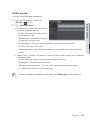
4. Set the audio output level.
• Enable : Sets whether to use audio output.
• Gain : Set the amplification value for the audio output.
5. When done, click [Apply (
68_ setup screen
)].