1
Section 3 - Configuration
Port Triggering
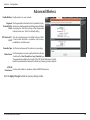
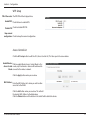
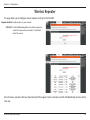
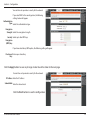
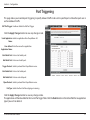
This page allows you to enable port triggering to specify inbound traffic to be sent to specific ports while other ports are in
use for outbound traffic.
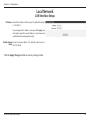
NAT Port Trigger: Enable or disable the Nat Port Trigger.
Click the Apply Changes button to save any changes made.
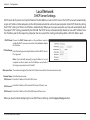
Usual Application Select an application from the pulldown list.
Name:
User-defined Enter the name of an application.
Application Name:
Start Match Port: Enter a start match port.
End Match Port: Enter a end match port.
Trigger Protocol: Select a protocol from the pulldown menu.
Start Relate Port: Enter a start relate port.
End Relate Port: Enter an end relate port.
Open Protocol: Select a protocol from the pulldown menu.
Nat Type: Select whether it will be outgoing or incoming.
Click the Apply Changes button to save any changes made.
The application will then be added to the Current Portrigger Table. Click the Delete button in the Action field for an application
type if you wish to delete it.
D-Link DIR-600 User Manual
31