1
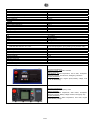
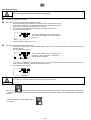
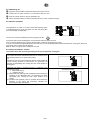
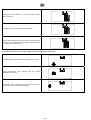
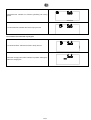
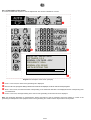
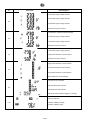
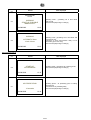
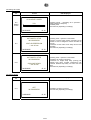
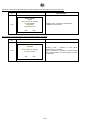
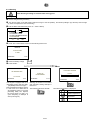
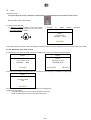
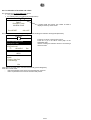
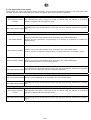
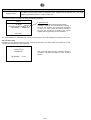
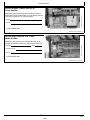
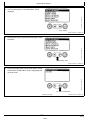
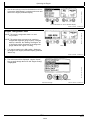
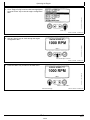
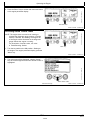
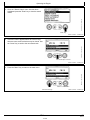
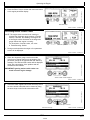
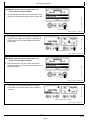
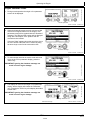
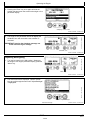
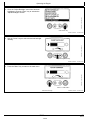
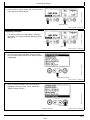
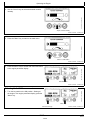
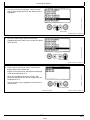
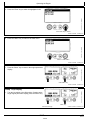
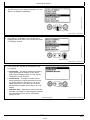
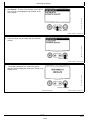
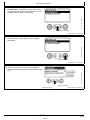
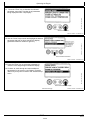
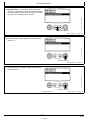
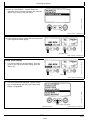
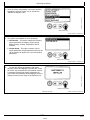
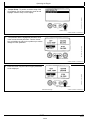
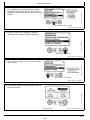
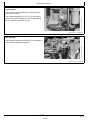
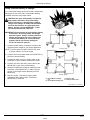
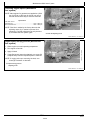
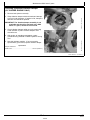
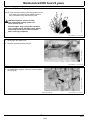
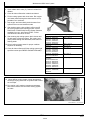
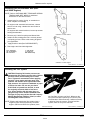
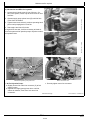
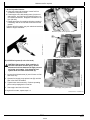
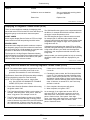
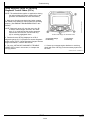
Operating the Engine RG13219 —UN—26SEP03 11. Press the "Enter" key to deselect the selected parameter, removing it from the list of parameters being displayed on the 1Up Display. Deselect Parameters OURGP11,00000B1 1903SEP0311/18 RG13151 —UN—24SEP03 12. Use the "Arrow" keys to scroll and highlight the desired parameter that has not been selected for display (parameter without a number to right of it). Select Desired Parameters OURGP11,00000B1 1903SEP0312/18 13. Press the "Enter" key to select the parameter for inclusion in the Single Engine Parameter Display. RG13220 —UN—26SEP03 14. Continue to scroll through and select additional parameters for the custom 1Up Display. Press the "Menu" key at any time to return to the "Custom Setup" menu. Select Parameters For Display Continued on next page 1519 124/254 OURGP11,00000B1 1903SEP0313/18 072209 PN=56