1
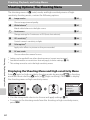
Shooting Options: The Shooting Menu
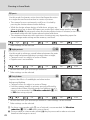
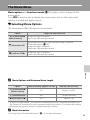
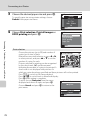
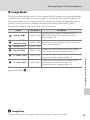
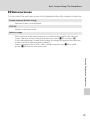
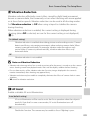
E ISO Sensitivity
Sensitivity is a measure of how quickly the camera reacts to light. The higher the
sensitivity, the less light needed to make an exposure. Although a high ISO rating
is suited for taking pictures of subjects in action or in poor lighting, high sensitivity
is often associated with “noise” -randomly spaced, brightly colored pixels
concentrated in dark parts of the image.
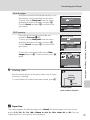
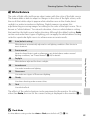
Auto (default setting)
Sensitivity is ISO 100 under normal conditions; when lighting is poor, the camera
compensates by raising sensitivity to a maximum of ISO 800.
100, 200, 400, 800, 1600, 3200
Sensitivity will be locked at the specified value.
At settings other than Auto, the current setting is displayed in the monitor (A 6).
If Auto is selected and the sensitivity is raised above an ISO 100, the E icon will be
displayed (A 31).
Shooting, Playback, and Setup Menus
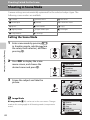
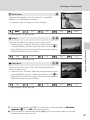
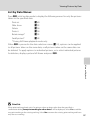
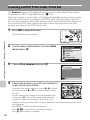
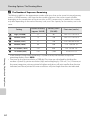
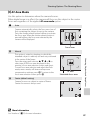
F Color Options
Make colors more vivid or record pictures in monochrome.
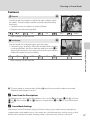
n
Standard color (default setting)
Use for pictures exhibiting natural color.
o
Vivid color
Use to achieve a vivid, “photoprint” effect.
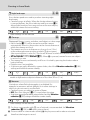
p
Black-and-white
Record pictures in black-and-white.
q
Sepia
Record pictures in sepia tones.
r
Cyanotype
Record pictures in cyan-blue monochrome.
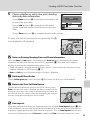
The effects of the selected option can be previewed in the monitor. At settings
other than Standard color, the icon for the current setting is displayed in the
monitor (A 6).
88