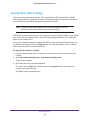
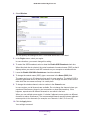
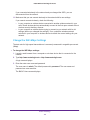
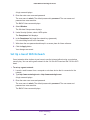
1
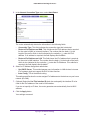
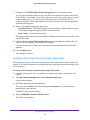
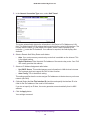
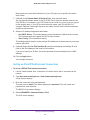
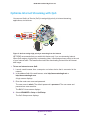
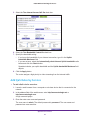
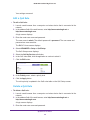
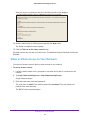
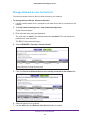
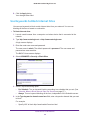
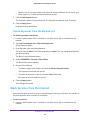
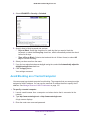
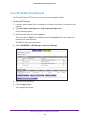
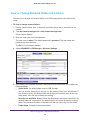
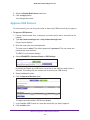
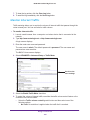
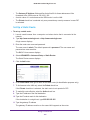
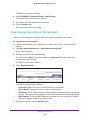
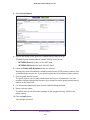
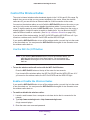
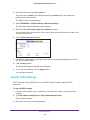
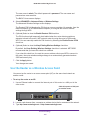
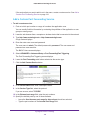
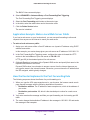
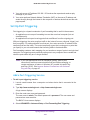
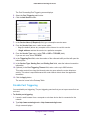
N600 WiFi Dual Band Gigabit Router The BASIC Home screen displays. 4. Select ADVANCED > Setup > QoS Setup. The QoS Setup screen displays. 5. Select the Turn Internet Access QoS On check box. 6. Select the Add Rules QoS by Service radio button. The screen adjusts. 7. In the Applications menu, select an application or service. 8. In the Priority menu, select the priority for the rule. The priority selections correspond to the queues in the QoS rules table. 9. Click the Add button. The service displays in the QoS rules table. 10. Click the Apply button. Your settings are saved. Add a QoS Rule by Device To add a QoS rule for a device: 1. Launch a web browser from a computer or wireless device that is connected to the network. 2. In the address field of the web browser, http://www.routerlogin.net or http://www.routerlogin.com. Optimize Performance 42