1
SenatorFX.NET/LOG.NET user manual – V.1.1
p. 43/140
Site configuration
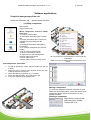
Configuring the readers
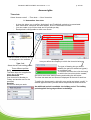
2. Automatic format detection for existing badges
When downloading the existing badges for a site, the SENATORFX.NET software
automatically detects the badge encoding format via one of the readers in the installation.
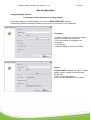
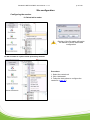
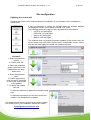
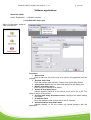
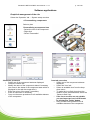
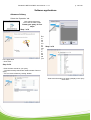
Procedure:
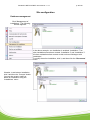
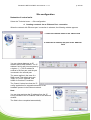
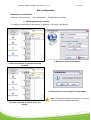
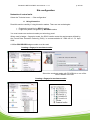
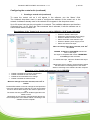
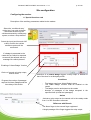
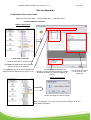
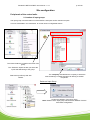
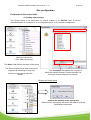
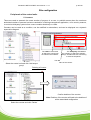
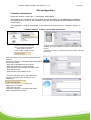
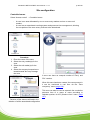
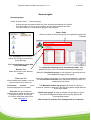
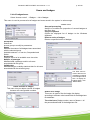
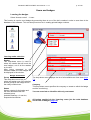
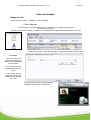
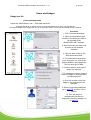
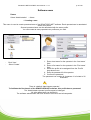
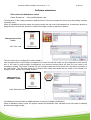
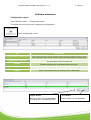
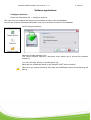
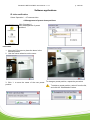
- Choose a reader from a central unit that is
already connected and operational
- Enter the number of the badge to be
recognised
- Click ‘Search…’
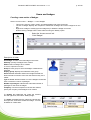
- Swipe the badge in front of the reader
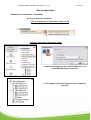
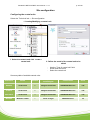
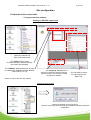
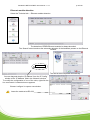
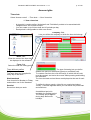
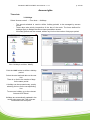
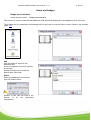
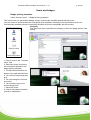
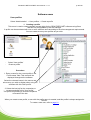
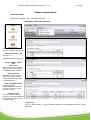
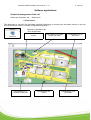
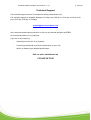
Result:
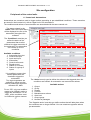
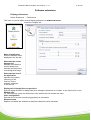
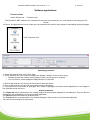
SenatorFX.NET displays the type of reader,
badge number, number of bits and code.
Simply click
‘Apply’ for the configuration
to be automatically applied to the reader.