1
USING THE DEVICE
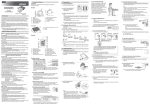
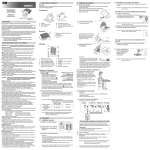
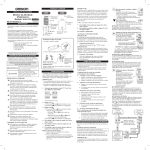
To Delete All the Values Stored in Memory
The values stored in the memory are deleted by USER ID.
1. Select your User ID (1 or 2).
2. Press the button, while the memory symbol appears.
3. While holding the
button down, press the
START/STOP button for
more than 3 seconds.
Note: You cannot partially delete the values stored in the memory. All values for the user you select will be deleted.
22