1
The Start-Up Process
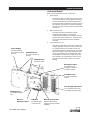
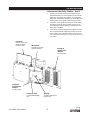
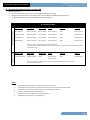
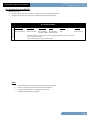
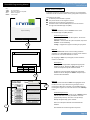
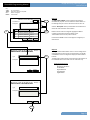
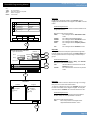
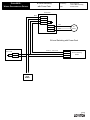
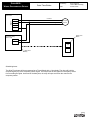
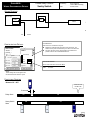
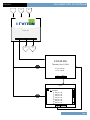
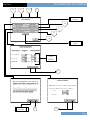
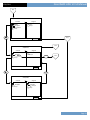
Interconnect the Relay Cabinet - Step 4
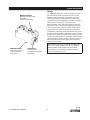
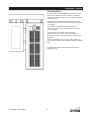
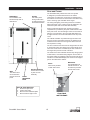
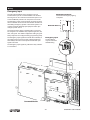
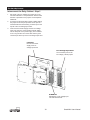
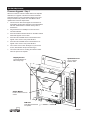
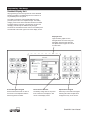
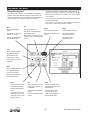
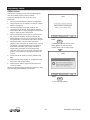
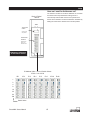
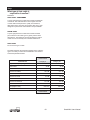
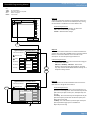
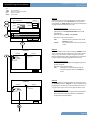
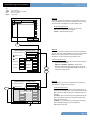
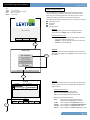
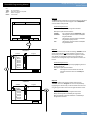
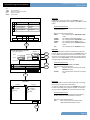
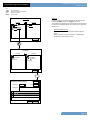
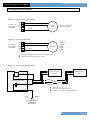
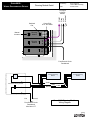
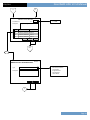
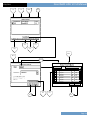
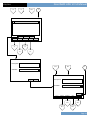
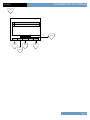
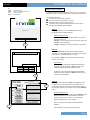
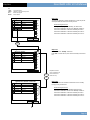
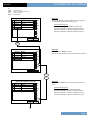
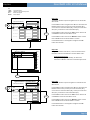
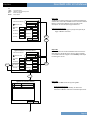
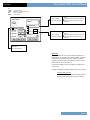
LumaCan to Devices
Use this port to connect
LumaCan external
devices.
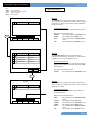
LumaCan
Interconnect Power
Supply and Main
Processor Unit.
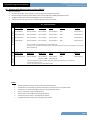
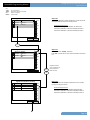
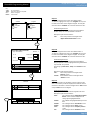
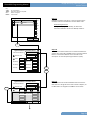
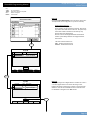
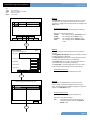
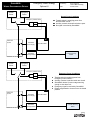
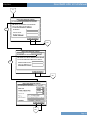
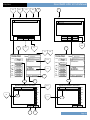
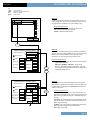
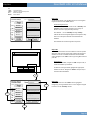
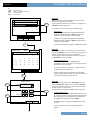
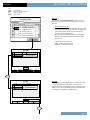
1.
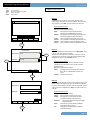
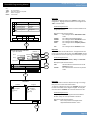
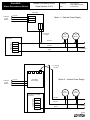
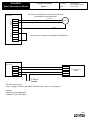
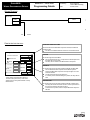
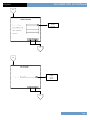
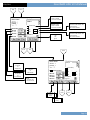
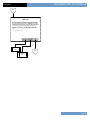
Turn ON the power circuit feeding the relay cabinet
Command Module. The green LEDs on the power
supply will illuminate indicating +24Vdc output at the
network connectors.
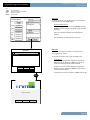
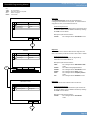
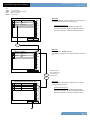
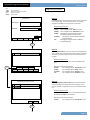
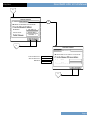
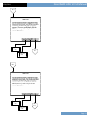
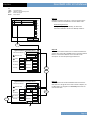
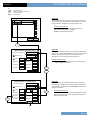
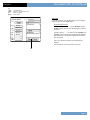
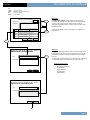
2.
The green LEDs indicate power is present at the port
connector. The second and forth ports have a slide
switch that will disconnect power before the connector.
If power is turned OFF the LED will not illuminate. If a
cable is connected to the port and the LED illuminates
this indicates that power from another source is
available on the cable. This is an allowed condition.
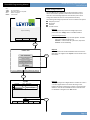
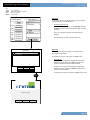
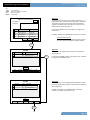
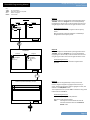
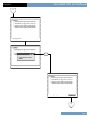
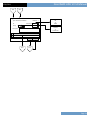
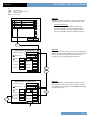
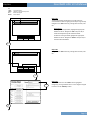
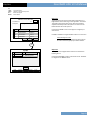
3.
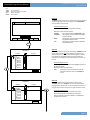
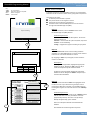
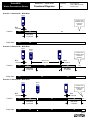
The MPU will beep during boot up and the Low Voltage
Input Card will flash all of the troubleshooting red LEDs
adjacent to the input points.
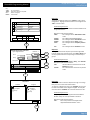
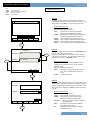
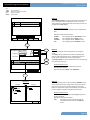
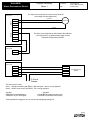
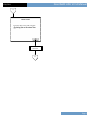
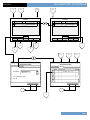
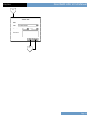
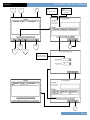
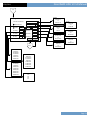
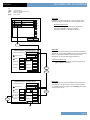
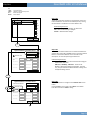
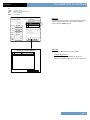
4.
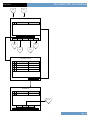
A flashing yellow heartbeat LED on both the MPU and
AI indicates proper LumaCan configuration. If there is
a duplicate ID the screen on the MPU will flash “DUP
ADD” that means duplicate address.
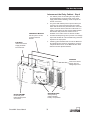
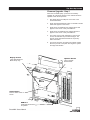
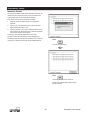
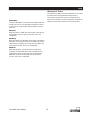
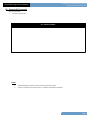
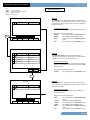
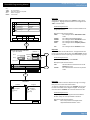
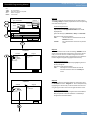
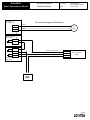
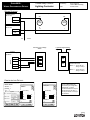
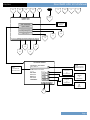
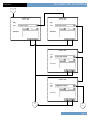
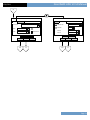
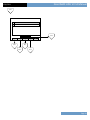
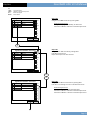
LumaCan
Interconnect Power
Supply and Low
Voltage Input Card.
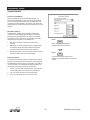
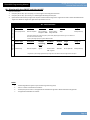
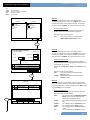
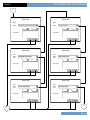
Power ON LEDs
Illuminated green
LEDs indicate power
at connector.
GreenMAX: Users Manual
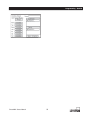
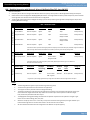
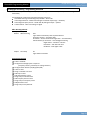
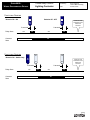
Heartbeat LEDs
Steady flashing
pattern indicates
healthy unit operation.
35