1
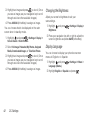
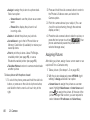
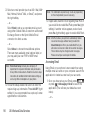
Changing the Font Size
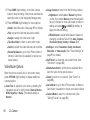
Location Settings
Adjust the font you see when you are entering text (for
example, when using the notepad or when adding a
Contacts entry).
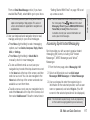
Your phone is equipped with a Location feature for use
in connection with location-based services.
and press
> Settings > Display >
Font Size.
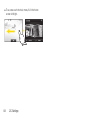
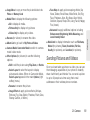
2. Select Messages, Browser, Notepad, Dial Digits or
Applications.
3. Highlight a size setting and press
.
The Location feature allows the network to detect your
position. Turning Location off will hide your location
from everyone except 911.
Note: Turning Location on will allow the network to detect
your position using GPS technology, making some
Sprint applications and services easier to use. Turning
Location off will disable the GPS location function for all
purposes except 911, but will not hide your general
location based on the cell site serving your call. No
application or service may use your location without
your request or permission. GPS-enhanced 911 is not
available in all areas.
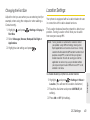
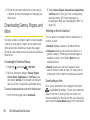
To enable/disable your phone’s Location feature:
1. Highlight
and press
> Settings > Others >
Location. (You will see the Location disclaimer.)
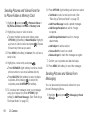
2. Read the disclaimer and press CONTINUE (left
softkey).
3. Press ON or OFF (left softkey).
2C. Settings
43
Settings
1. Highlight