1
•
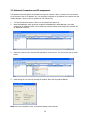
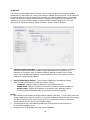
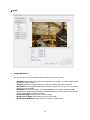
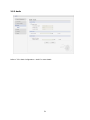
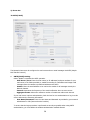
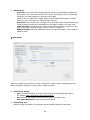
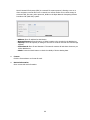
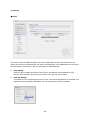
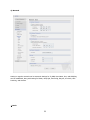
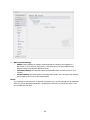
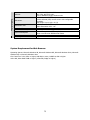
NAT traversal Settings
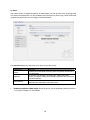
Enable: when enabled, the network camera attempt to configure port mapping in a
NAT router on your network, using UPnP™. Note that UPnP™ must be enabled in the
Network Camera (see System>Network>UPnP).
*
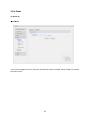
automatic setting: The Network Camera automatically search for NAT routers on your
network.
*
manual setting: Select this option to manually select a NAT router and enter the external
port number for the router in the field provided.
Notes:
If you attempt to manually enter a port that is already in use, an alert message will be displayed.
When the port is selected automatically it is displayed in this field. To change this enter a new
port number and click Save.
60