1
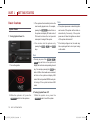
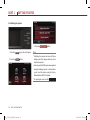
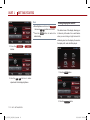
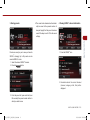
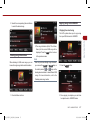
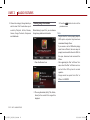
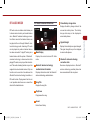
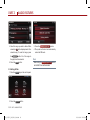
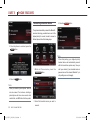
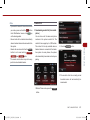
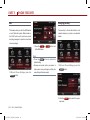
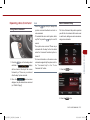
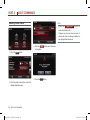
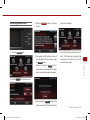
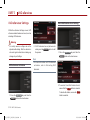
Select Display Language
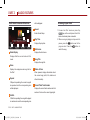
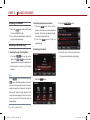
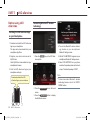
2. Press the
Main
button.
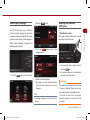
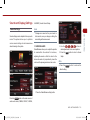
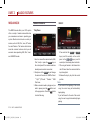
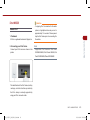
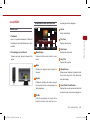
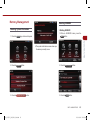
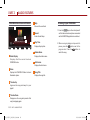
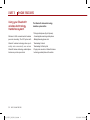
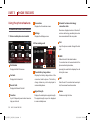
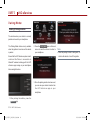
Resetting and Initializing UVO system
The UVO system allows you to select the
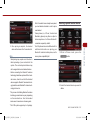
1. Resetting the system
convenience and system usability. The system
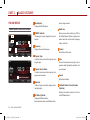
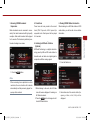
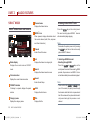
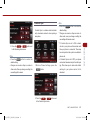
If the system is behaving abnormally, press the
provides you with options of three languages -
reset button to reset the system.
English, French (Canadian) and Spanish. The
default language is English.
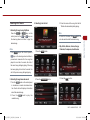
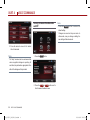
3. P ress the
English
button next to the
Language menu.
GETTING STARTED
preferred display language for maximum
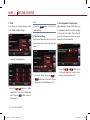
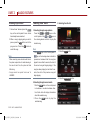
1. Use a ball-point pen or similar object to
press the RESET key.
2. The system will reboot and automatically
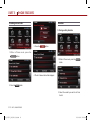
1. Press the SETUP key on the control panel.
restore the most recent mode.
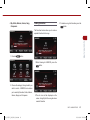
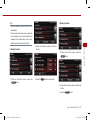
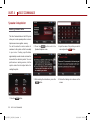
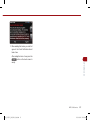
4. Select the desired language.
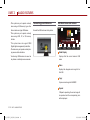
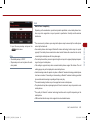
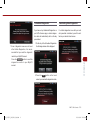
Caution
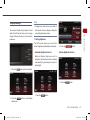
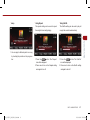
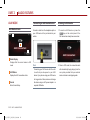
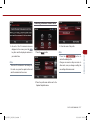
5. The system will reboot and automatically
restore the most recent mode in the new
language.
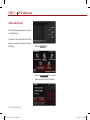
Note
●
The reset button should only be used in case
● of system malfunction. Never use the reset
key while the system is operating normally.
If you wish to reset while the system is
● C hanging language will delete all paired
operating normally, turn the power off first
phones.
then reset.
PART 1. GETTING STARTED
01_RP [미국_영어]UVO2_Part1.indd 7
1-7
2013-08-05 오후 2:14:18