1
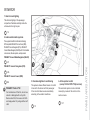
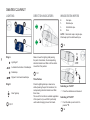
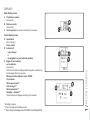
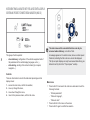
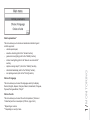
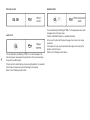
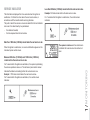
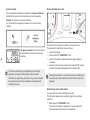
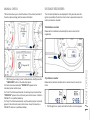
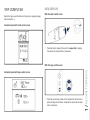
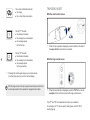
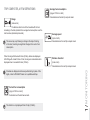
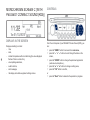
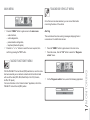
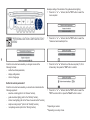
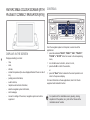
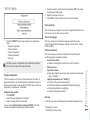
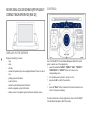
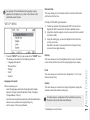
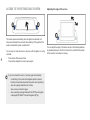
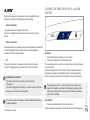
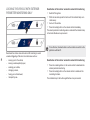
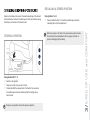
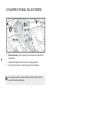
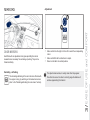
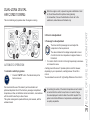
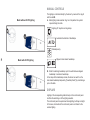
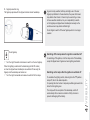
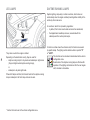
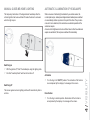
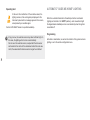
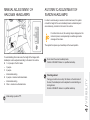
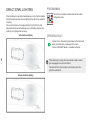
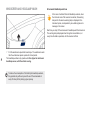
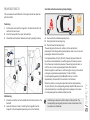
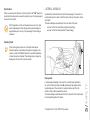
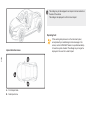
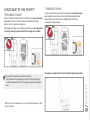
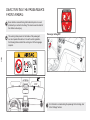
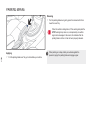
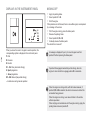
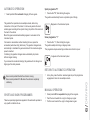
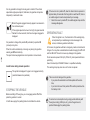
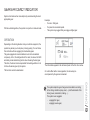
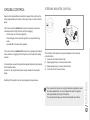
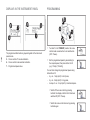
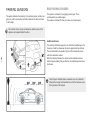
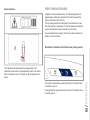
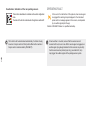
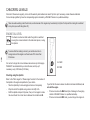
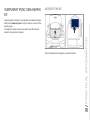
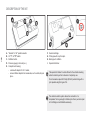
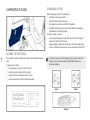
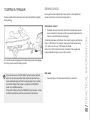
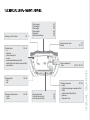
Date and time This menu allows you to set the date and time, the format of the date and the format of the time. "SETUP" MENU Principle of GPS (GMT) synchronisation: 1. Confirm the selection "Synchronise with GPS", the time is then aligned with GMT universal time, the date is updated as well. 2. Using the 4-direction navigator, move the cursor onto the hours field and press on OK. 3. Using the rotating ring, you can then adjust the time to the time zone of your choice. Note that in the case of a summer/winter time change, the time zone must be set again manually. Press the "SETUP" button to gain access to the "SETUP" menu. This allows you to select from the following functions: - "Language and speech", - "Date and time", - "Display", - "Units", - "System". Display Language and speech This menu allows you to: select the language used by the display (Deutsch, English, Espanol, Français, Italiano, Nederlands, Polski, Portugues, Portugues-Brasil, Türkçe*), select the voice recognition parameters (activation/deactivation, advice on use, personal voice programming, etc.), set the volume of the voice synthesiser. This menu allows you to set the brightness of the screen, the screen colour scheme and the colour of the map (day/night or auto mode). Units This menu allows you to select the units: temperature (°C or °F) and distance (miles or km). System This menu allows you to restore the factory configuration, display the software version and activate scrolling text. For safety reasons, configuration of the multifunction screen by the driver must only be done when stationary. * Depending on country of sale. 1/ MONITORING For operation of the retractable screen (opening, closing, adjustment of the position, etc.), refer to the "Access to the retractable screen" section.