1
Online Drinking Water Notifications – website user manual
Viewing an existing Notification
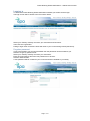
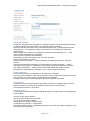
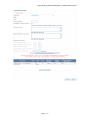
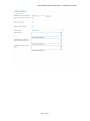
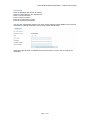
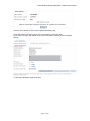
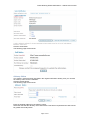
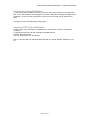
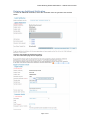
To view an existing notification, select the record by clicking the checkbox to the right of the
grid. The record should become highlighted. Click the View button to display the details of the
notification. This is for viewing purposes only and none of the fields can be edited on this
page.
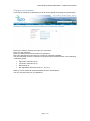
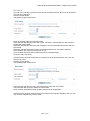
Click Back to return the Notification History page.
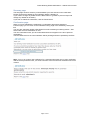
Viewing a PDF of the Notification
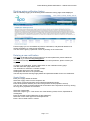
A PDF version of the notification is available which can be printed, saved or emailed as
necessary.
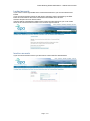
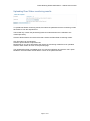
To display the PDF first view the notification as detailed above.
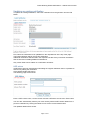
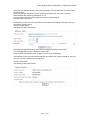
Click the View PDF button.
The PDF should open in a new window.
Note: To view the PDF you will need Adobe Acrobat © or similar software installed on your
PC.
Page 18 of 21