1
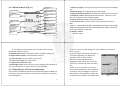
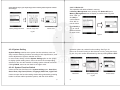
if users will not click "A" area again to confirm the current operation.
4.2 Using the Menu
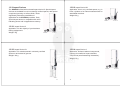
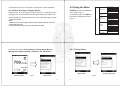
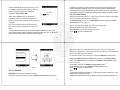
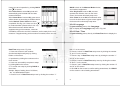
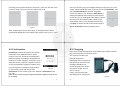
4.1.4 Select the Type of Impact Device
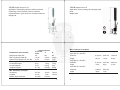
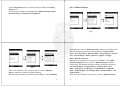
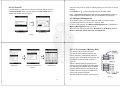
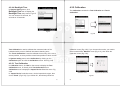
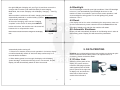
EPX5500 selects the multistage
menu mode, Fig 4.3
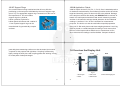
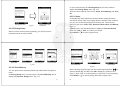
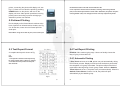
In measure mode, click Menu on
the screen to display the menu.
Fig 4.4
Click the icon “D” in the upper left corner of Fig 4.1 to change the type
of impact unit. This instrument has two options about the impact unit:
D-\-type impact unit. If you need other types, please
contact the dealer.
Testing Setup
Printing
Setup
Menu
Note:
1. Make sure the correct type of impact unit has been selected, or the test
value will be incorrect.
2. This operation is only in the main interface to be valid
Memory
Management
System
Setting
Calibration
$
Impact Direction
Scale
Limit Values
Statistic
Items
Print Memory
Print All
Browse A To Z
Browse Z To A
Browse Selected
Delete Selected
Delete All
Auto Print ON/OFF
ON/OFF
Key Sound ON/OFF
Alarm ON/OFF
Language: EN
Date/Time
Backlight Time
Test Calibration
Touch Calibration
Information
Fig 4.3
29
30
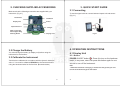
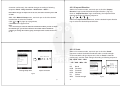
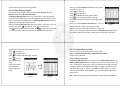
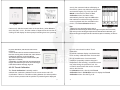
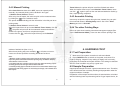
4.2.1 Testing Setup
>Testing Setup; Printing Setup; Memory
Management; System Setting; Calibration and Information.
Testing setup menu
Menu mode
Measure mode
Fig 4.4
Menu mode
Fig 4.5
31
32