1
Index
computer feet
illustrated 3–17
locations 5–10
Computer Setup
Advanced Menu 2–4
Main Menu 2–2
overview 2–1
Security Menu 2–3
Tools Menu 2–4
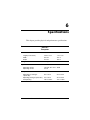
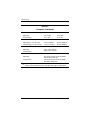
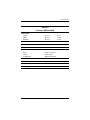
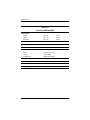
computer specifications 6–1
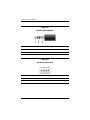
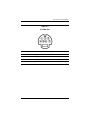
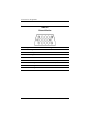
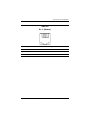
connector pin assignments
audio-in D–2
audio-out D–1
external monitor D–4
headphone D–1
microphone D–2
modem D–5
monitor D–4
network D–6
RJ-11 D–5
RJ-45 D–6
S-Video-out D–3
Universal Serial Bus (USB)
D–2
connectors, service
considerations 4–2
D
design overview 1–20
Digital Media Slot 1–11
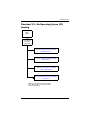
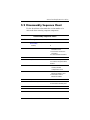
disassembly sequence chart
5–3
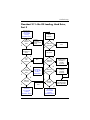
diskette drive
OS loading problems 2–19
precautions 4–3
Index–2
display assembly
removal 5–45
spare part numbers 3–3,
3–27, 5–45
display component recycling
C–1
display lid switch 1–17
display release button 1–7
docking connector 1–19
drive light 1–7
drives, preventing damage 4–3
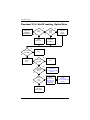
DVD/CD-RW Combo Drive
OS loading problems 2–20
precautions 4–3
removal 5–11
spare part number 3–13,
3–19, 3–20, 3–22, 3–25,
5–11
specifications 6–9
DVD±RW and CD-RW
Combo Drive
OS loading problems 2–20
precautions 4–3
removal 5–11
spare part number 3–13,
3–19, 3–20, 3–23, 3–25,
5–11
specifications 6–7
DVD-ROM drive
OS loading problems 2–20
precautions 4–3
removal 5–11
spare part number 3–13,
3–19, 3–20, 3–22, 3–25,
5–11
specifications 6–11
Maintenance and Service Guide