1
CHAPTER 2. Installing Single/Multiple Cabinet Configurations
9
OfficeServ 500 Installation Guide/Ed.01
RINGER CARD INSTALLATION
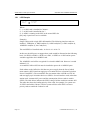
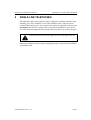
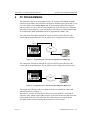
The ringer card is designed to provide ring for Single Line Telephones connected to
the various Single Line Telephone(SLT) interface cards(8SLI, 8MWSLI, 16SLI and
16MWSLI) installed in each cabinet in the system. To minimize the use of Ringer
cards it is recommended that all SLI interface cards be installed into a single cabinet.
Note SLI daughter cards have an onboard ringer and therefore do not used the Ringer
Card to provide ring.
External Ringer is used in only Australia and Italy.
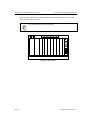
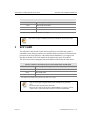
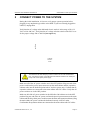
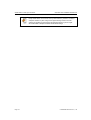
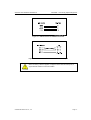
Hazardous telecommunications network voltages may be present if analogue trunks
are connected! Earth connection is essential before connecting analogue(PSTN)
trunks. These trunks must be removed, then mains and battery power disconnected,
before the rear panel is removed for ANY reason.
9.1
To Install
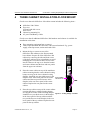
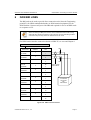
Remove the 6 screws securing the back cover to the cabinet with SLT interface cards
installed.
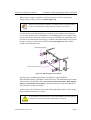
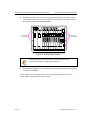
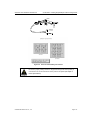
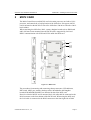
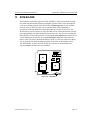
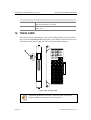
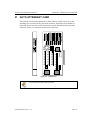
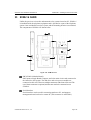
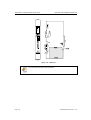
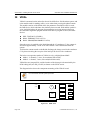
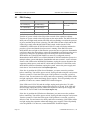
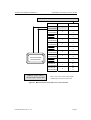
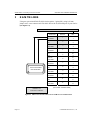
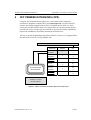
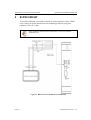
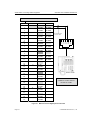
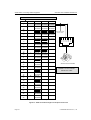
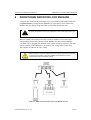
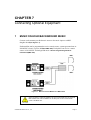
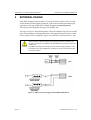
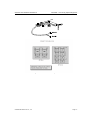
Remove the Ringer Card from its protective covering and position onto the 4 stand-offs
located at the rear of the cabinet. Using the screws provided in the Ringer card to the
stand-offs(see Figure 2.8).
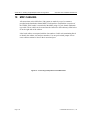
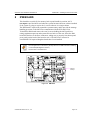
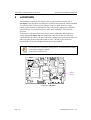
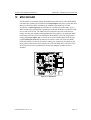
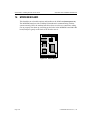
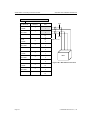
Figure 2.7 Ringer Card Location
Page 2-14
© SAMSUNG Electronics Co., Ltd.