
1
OPERATION (CONTINUED)
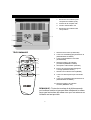
CD PAUSE CONTROL
1
2
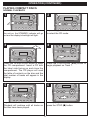
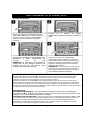
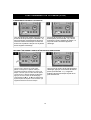
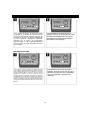
During CD playback, if you wish to pause
the disc momentarily, press the
PLAY/PAUSE (®p) button again.
Playback stops but the disc continues to
spin and the Play indicator will blink.
Press the PLAY/PAUSE (®p) button
again to release pause and resume
normal CD playback.
TO BEGIN PLAYBACK FROM A SPECIFIC TRACK
2
1
1
2
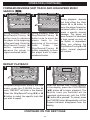
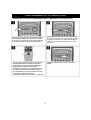
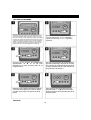
When the desired track number appears
in the display, press the PLAY/PAUSE
(®p) button. Playback will begin on the
track you selected.
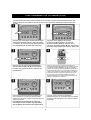
After you insert the disc into the CD
player and the total number of tracks
appears on the display, you may press
either the Skip/Search/Tuning o 1 or n
2 button to select a specific track for
playback.
13



















![3T11131A [COVER]](http://vs1.manualzilla.com/store/data/006164578_1-b091c799fbe2f54ad080b700a0e61ea1-150x150.png)