1
E538.book Page 7 Thursday, July 21, 2005 1:09 PM
Get started
3
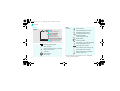
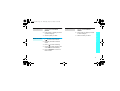
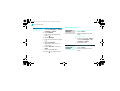
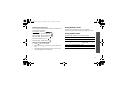
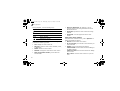
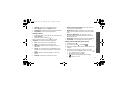
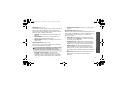
Install the battery.
5
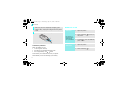
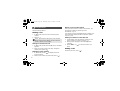
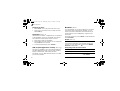
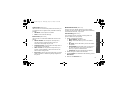
Plug the charger into a standard AC wall outlet.
The LED on the charger indicates the charging
progress:
• Red: the battery is being charged.
• Green: the battery is completely charged.
• Orange: the battery is not correctly plugged in
or is operating at a too high or too low
temperature.
First steps to operate your phone
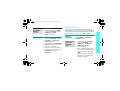
4
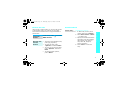
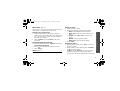
Plug the travel charger
into the phone.
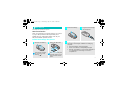
SIM card information
When you subscribe to a cellular network, you receive
a plug-in SIM (Subscriber Identity Module) card
loaded with your subscription details, such as your
PIN, and available optional services.
Install and charge the phone
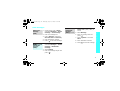
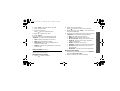
1
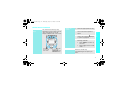
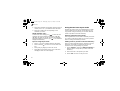
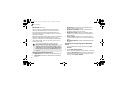
Remove the battery.
If the phone is already
on, first turn it off by
holding [ ].
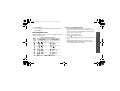
2
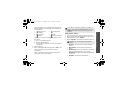
Insert the SIM card.
Make sure that the goldcoloured contacts on the
card face down into the
phone.
7