1
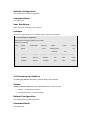
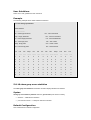
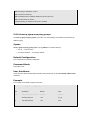
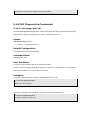
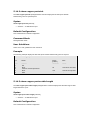
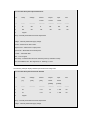
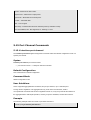
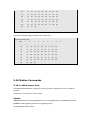
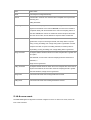
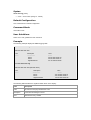
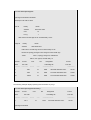
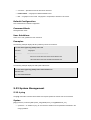
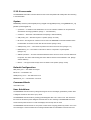
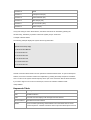
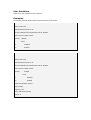
username — Specifies the remote SSH client username. bubble-babble — Fingerprints in Bubble Babble format. hex — Fingerprint in Hex format. If fingerprint is unspecified, it defaults to Hex format. Default Configuration This command has no default configuration. Command Mode Privileged EXEC mode User Guidelines There are no user guidelines for this command. Examples The following example displays all SSH public keys stored on the device. Console# show crypto key pubkey-chain ssh Username ---------------- Fingerprint ----------------------------------------------- bob 9A:CC:01:C5:78:39:27:86:79:CC:23:C5:98:59:F1:86 john 98:F7:6E:28:F2:79:87:C8:18:F8:88:CC:F8:89:87:C8 The following example displays the SSH public called "bob". Console# show crypto key pubkey-chain ssh username bob Username: bob Key: 005C300D 06092A86 5.23 System Management 5.23.1 ping The ping user EXEC command sends ICMP echo request packets to another node on the network. Syntax ping ip-address | hostname [size packet_size] [count packet_count] [timeout time_out] ip-address — IP address to ping. An out-of-band IP address can be specified as described in the usage guidelines.