1
11. Paper Jams
11 Paper Jams
Jams
11.1 Recording paper jam
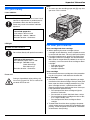
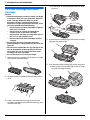
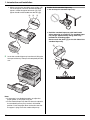
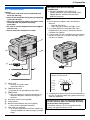
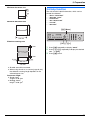
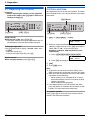
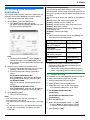
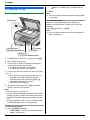
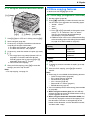
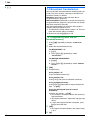
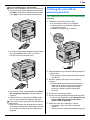
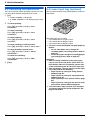
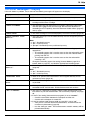
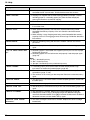
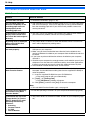
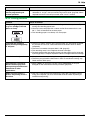
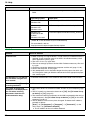
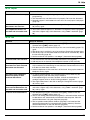
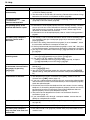
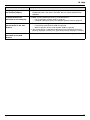
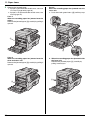
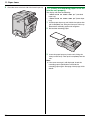
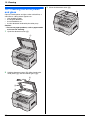
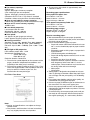
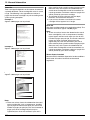
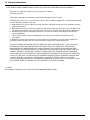
1 Hold the left cover open lever (1), and then pull
open the left cover (2).
Caution:
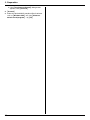
L Do not pull out the jammed paper forcibly before
opening the left cover.
1
2
L Do not open the paper input tray before opening
the left cover as the jammed paper may be pulled
and the jam may get worse.
3
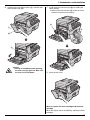
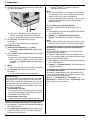
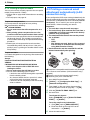
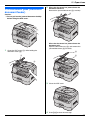
Caution:
L During or immediately after printing,
the fuser unit (3) gets hot. Wait until
the fuser unit cools down before
removing the jammed paper.
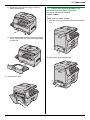
11.1.1 When the recording paper has
jammed inside of the unit
The display will show the following:
“PAPER JAMMED”
b
“OPEN LEFT COVER HOT CAUTION”
89