1
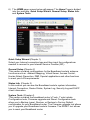
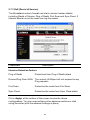
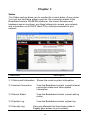
Menu
Description
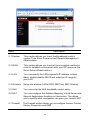
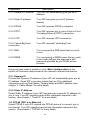
2.1 System
T his section allows you to set the Broadband router’s
system T ime Zone, Password and Remote Management
Administrator.
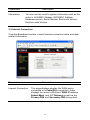
2.2 WAN
T his section allows you to select the connection method in
order to establish a connection with your ISP (same as the
Quick Setup Wizard section)
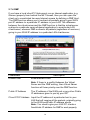
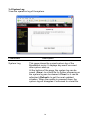
2.3 LAN
You can specify the LAN segment’s IP address, subnet
Mask, enable/disable DHCP and select an IP range for
your LAN
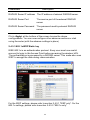
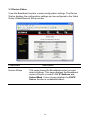
2.4 Wireless
Setup the wireless LAN’s SSID, WEP key, MAC filtering.
2.5 QoS
You can setup the QoS bandwidth control policy.
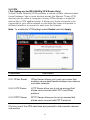
2.6 NAT
You can configure the Address Mapping, Virtual Server and
Special Applications functions in this section. T his allows
you to specify what user/packet can pass your router’s NAT .
2.7 Firewall
T he Firewall section allows you to configure Access Control,
Hacker Prevention and DMZ.
26