1
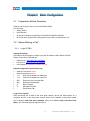
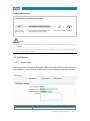
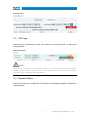
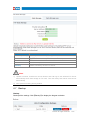
Note:
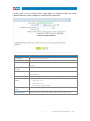
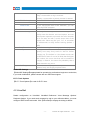
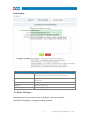
After you added a permitted IP, you can only login the system by this IP, other IP address isn't
effective to login the system.
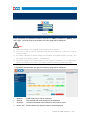
SIP Registered Allowed
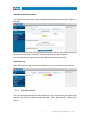
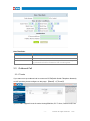
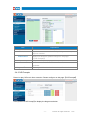
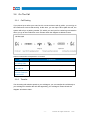
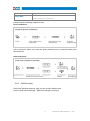
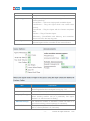
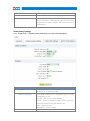
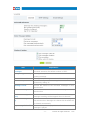
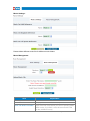
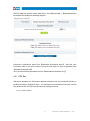
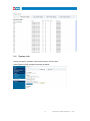
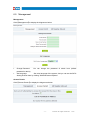
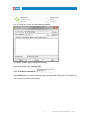
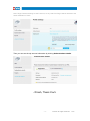
Click【SIP Registered Allowed】---【Add Permitted IP】to define the allowed SIP user.
Input the permitted IP address---IP address and network restriction.eg: "192.168.1.77" or
"192.168.10.0/255.255.255.0"
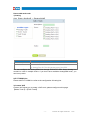
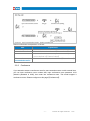
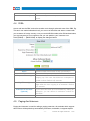
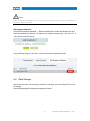
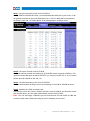
In the following diagram, 192.168.1.100 is the allowed IP registered by SIP.
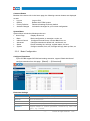
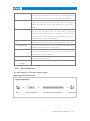
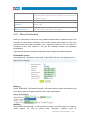
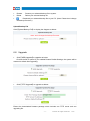
6.6 Data Storage
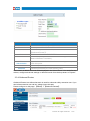
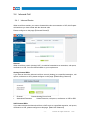
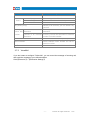
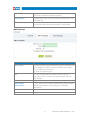
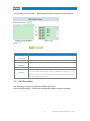
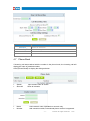
Upload the voicemail, call recording, conference, call logs, etc to the defined FTP server
for storage.
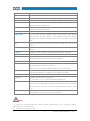
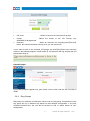
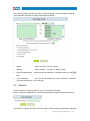
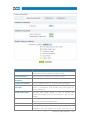
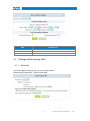
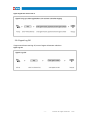
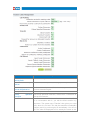
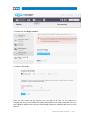
Click【Data Storage】to display the diagram as below:
- 60 -
ZYCOO all rights reserved
V3.2