1
R-Backup Manager v5.5
User’s Guide
vi.
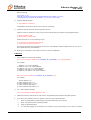
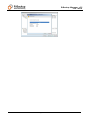
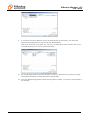
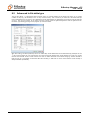
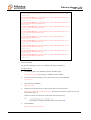
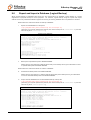
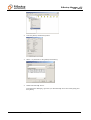
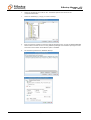
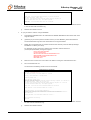
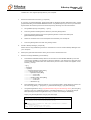
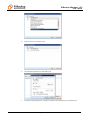
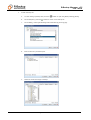
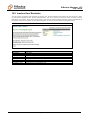
If you want to see all the different versions of all files (shown as gray below), just choose the
[Show all files] radio button on the [Decrypt Files Wizard] dialog.
Files, which are shown in gray below (e.g. test.exe), are being stored in the retention area on the
removable media (but you can still restore these files).
vii.
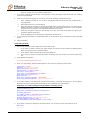
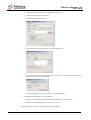
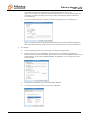
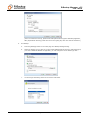
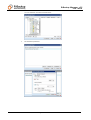
Use the [Change] button to select the directory to where you want files to be restored (or simply
select [Original location] to restore files to their original path).
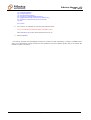
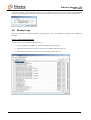
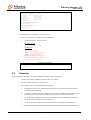
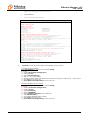
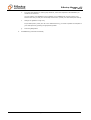
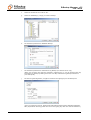
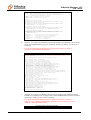
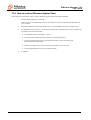
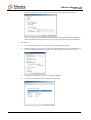
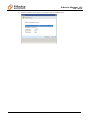
viii. Press the [Start Decrypt] button to start restoring. When it finishes, you will see a screen similar to
the following:
Page 52 of 124