1
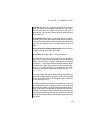
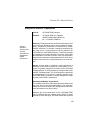
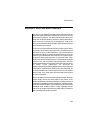
USING TIME, FREQUENCY, AND TEMPERATURE IN EXPRESSIONS
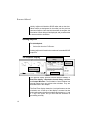
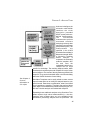
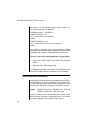
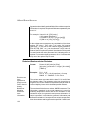
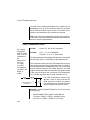
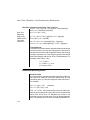
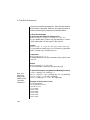
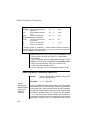
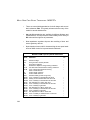
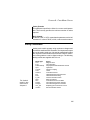
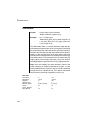
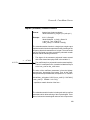
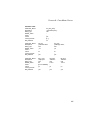
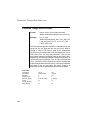
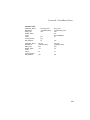
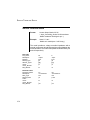
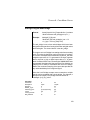
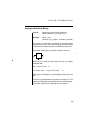
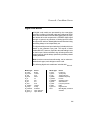
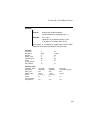
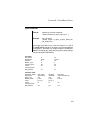
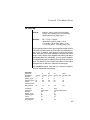
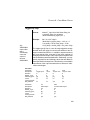
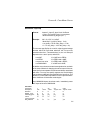
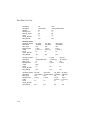
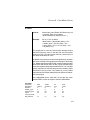
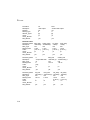
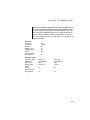
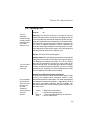
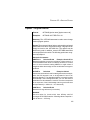
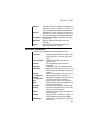
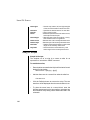
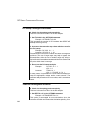
Expression Examples using Temp, Time, and Freq
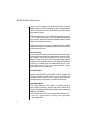
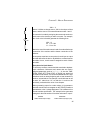
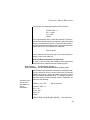
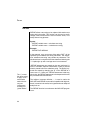
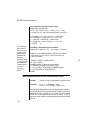
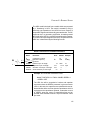
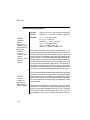
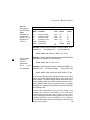
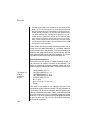
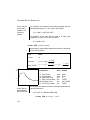
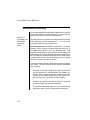
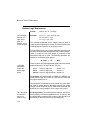
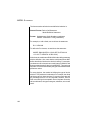
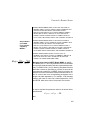
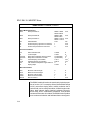
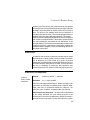
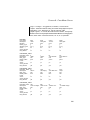
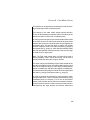
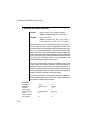
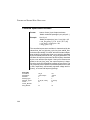
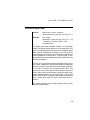
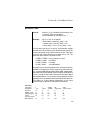
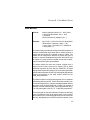
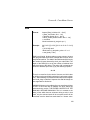
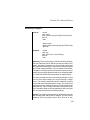
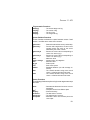
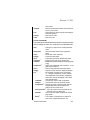
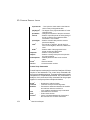
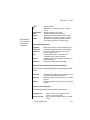
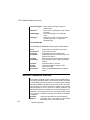
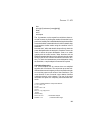
b1 3 4 I = 2.0 ∗ v(1)^0.5 + 3.0∗v(2)∗time + v(2)∗sqrt(temp)
b2 2 0 V = 6.283e3/(freq+6.283e3)
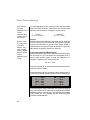
b1 1 0 V = time ∗ V(10)
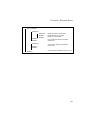
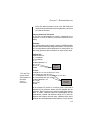
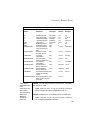
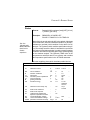
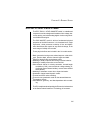
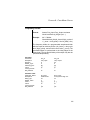
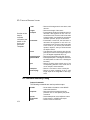
Note: Use
Mag(Freq)
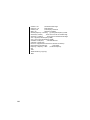
rt 1 2 r= 1.0e3 + 1.0e3 ∗ sqrt(time) + 2.0 ∗ log(temp)
when using
R1 2 0 R=1 + 1K ∗ int(TIME)
FREQ in an IfThen-Else
Lte 1 2 r= 10u + 1n ∗ sqrt(mag(Freq)) ∗ sqrt(temp)
expression.
c2 2 0 c =1u + 1p ∗ sqrt(mag(Freq)) + 1.0e-6 ∗ log(temp)
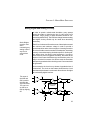
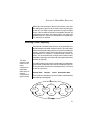
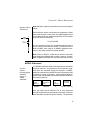
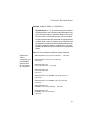
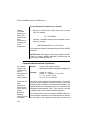
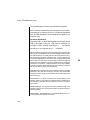
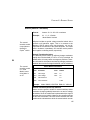
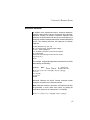
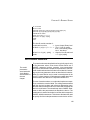
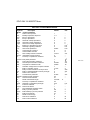
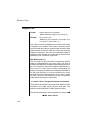
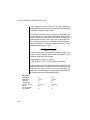
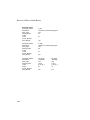
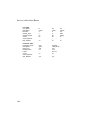
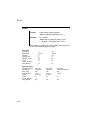
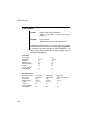
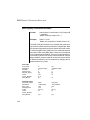
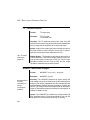
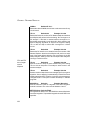
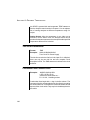
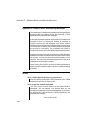
Time Subcircuit
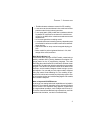
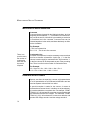
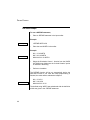
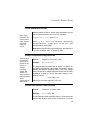
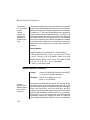
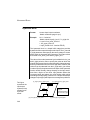
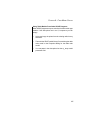
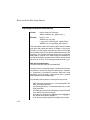
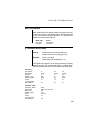
To get time into an expression or represented as a node voltage
for other purposes, you can also integrate the current from a
constant current source with a capacitor and use the resulting
voltage to represent time. Don’t forget to set the initial voltage
across the capacitor and use UIC in the .TRAN statement. For
example, node Tvalue = time:
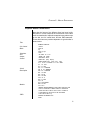
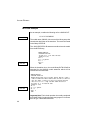
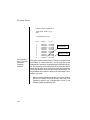
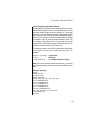
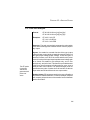
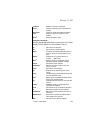
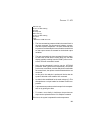
I1 0 Tvalue 1
C1 Tvalue 0 1 IC=0
R1 Tvalue 0 1E12
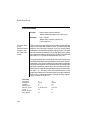
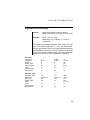
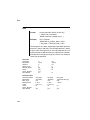
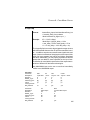
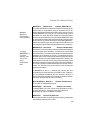
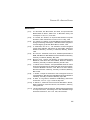
Behavioral Modeling Issues
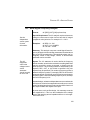
Element Values
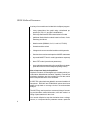
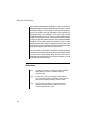
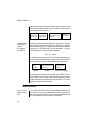
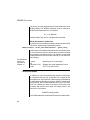
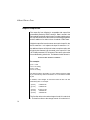
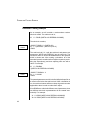
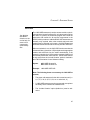
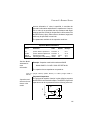
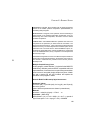
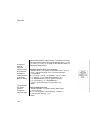
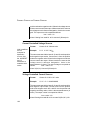
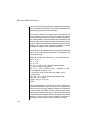
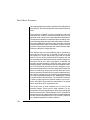
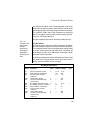
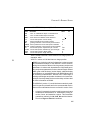
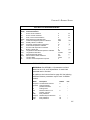
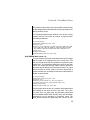
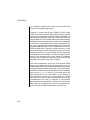
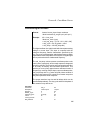
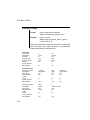
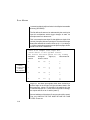
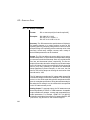
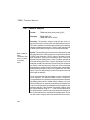
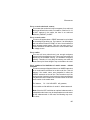
If you use current or voltage to control the value of a component,
you need to be careful to first have a default value so if the
controlling value is 0, then the component value will not be 0.
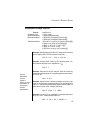
For example,
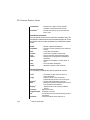
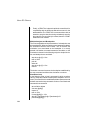
R1 1 2 r = I(vin) ∗ 100
should be
R1 1 2 r = 50 + I(vin) ∗ 100
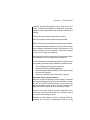
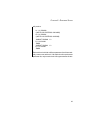
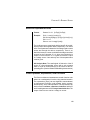
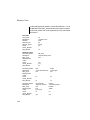
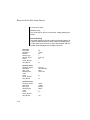
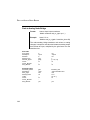
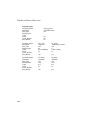
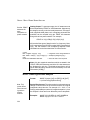
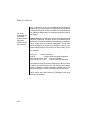
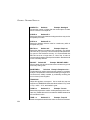
If R1 1 2 r = I(vin) ∗ 100 is used and the current in VIN is zero,
then the error message “R1 set to 1000” will be issued and the
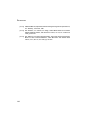
value of R1 will be set to 1K. Whenever the current in Vin
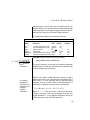
becomes nonzero, then the value of R1 will change appropriately. The same goes for use of the time and freq variables. For
174